



El-Aml
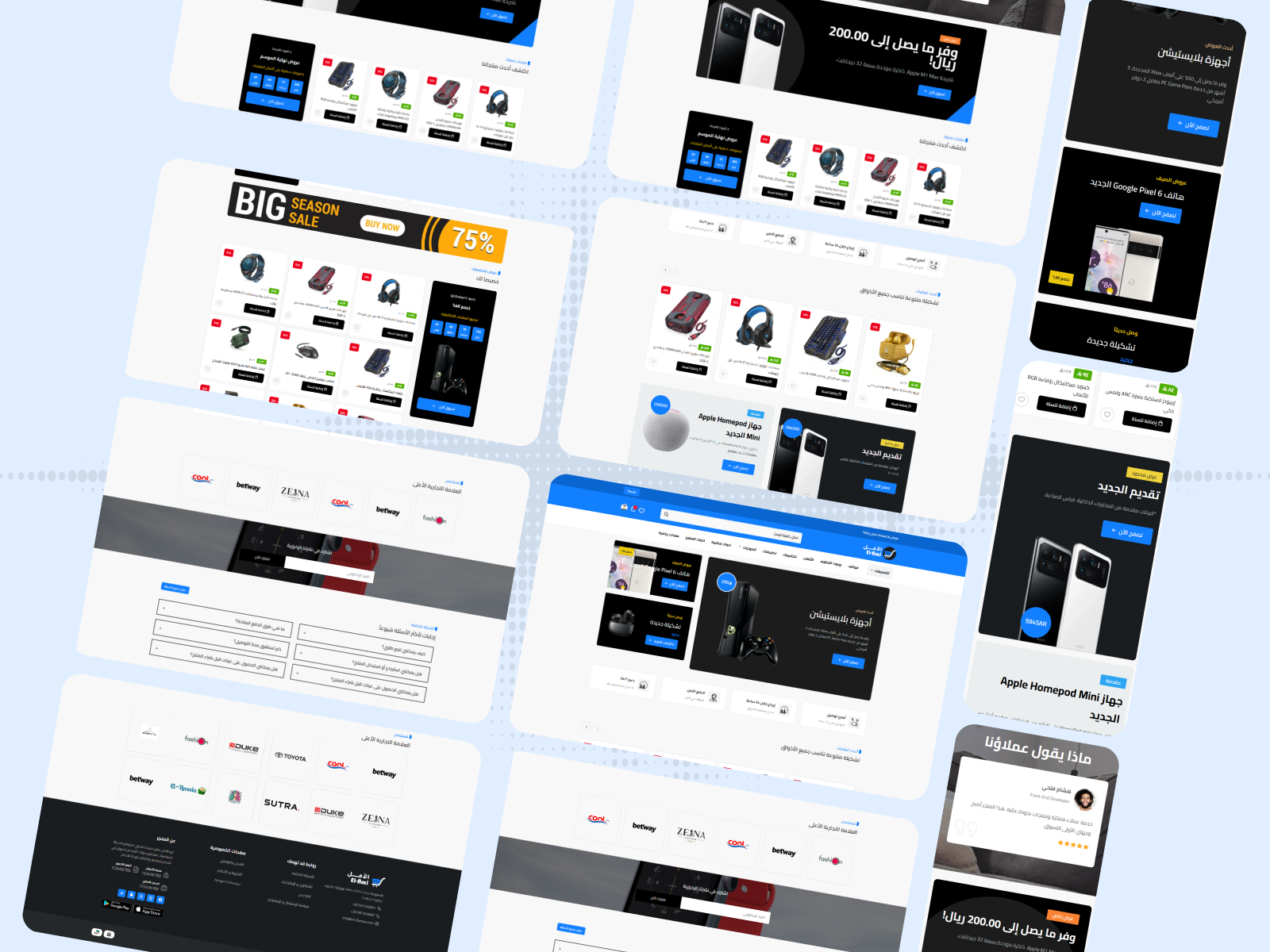
El-Aml is a modern, professional design built for Salla, fit for every kind of online store and delivering a premium shopping experience with an elegant, easy-to-use interface. It offers high flexibility through the advanced design panel for controlling colors, fonts, header and footer, and includes 18 customizable homepage components covering the image slider, store features, product lists, ads, categories, testimonials, and FAQs.
Theme features
Fully responsive design
The theme works on every device and screen (desktop, tablet, mobile) for an ideal browsing experience for your customers.
Complete color & font customization
Full control over store colors and fonts via the advanced design panel to match your brand identity.
Professional hero image slider
A multi-slide image slider with title, description, and link per slide, plus smooth transition effects.
Multiple homepage components
More than 15 customizable components on the homepage - reorder, enable, or hide each one.
Full Arabic (RTL) support
A design that fully supports right-to-left Arabic along with Arabic-Indic numerals.
Store content protection
Prevent text copying and image saving to protect your store content from theft.
Custom loading screen
An elegant loading screen with customizable logo and background color when the site opens.
Testimonials section
Customer reviews and testimonials displayed attractively to build visitor trust in your store.
FAQ section
FAQ display with a clean accordion design to answer customer questions.
Brand showcase
A dedicated section to professionally showcase the brand logos available in your store.
Ads in multiple formats
Ads in multiple formats (single, double, full-width banner) to highlight offers and featured products.
Countdown timer for offers
A products section with a countdown timer for limited offers to encourage quick purchases.
Theme user guide
Design options
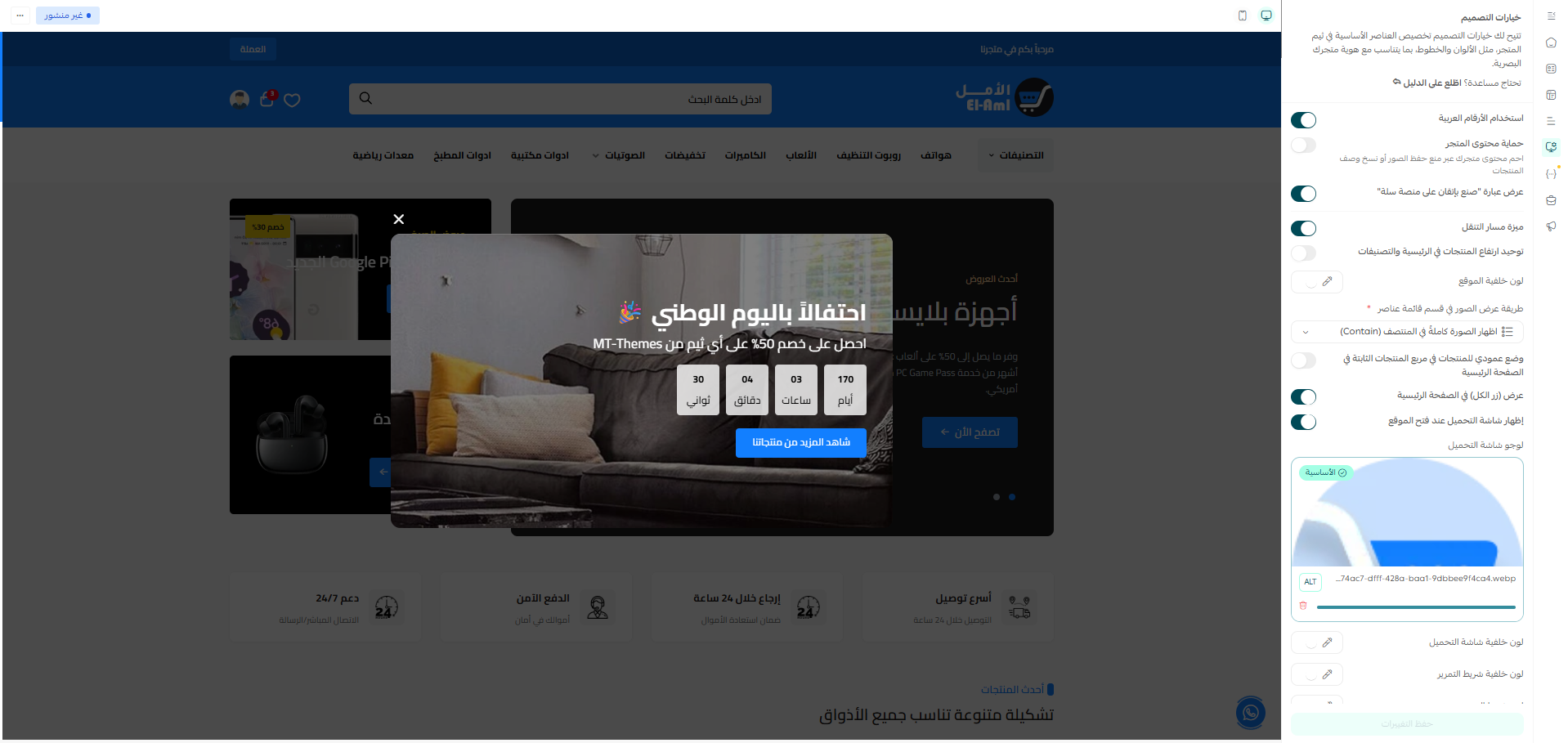
Design options allow you to customize the essential elements of the store theme to match your visual brand identity. To access these settings, go to Theme Customization and select "Design Options" from the sidebar menu.
Use Arabic Numerals: Enabling this option converts all numbers in the store to Arabic numerals (١, ٢, ٣) instead of English numerals.
Store Content Protection: Prevents visitors from copying text or saving images from your store, protecting your content.
Display "Perfectly made on Salla platform" phrase: Control the visibility of this phrase at the footer of the store.
Breadcrumb Feature: Enable the breadcrumb navigation bar to help visitors know their current location within the store.
Uniform Product Height: When enabled, product card heights are unified on the homepage and category pages for a more consistent look.
Site Background Color: Change the primary background color of the entire site.
Image Display Method in Item List Section: Choose how images are displayed, either showing the full image (Contain) or filling the space (Cover).
Vertical Product Layout: Enable vertical display for product cards in the fixed products block on the homepage.
Display "View All" Button on Homepage: Show or hide the "View All" button in the product sections on the homepage.
Show Loading Screen on Site Open: When enabled, a custom loading screen appears when the store is opened for the first time.
Loading Screen Logo: Upload the logo image that will appear on the loading screen. It is recommended to use an image with a transparent background in PNG or WebP format.
Loading Screen Background Color: Choose the background color for the loading screen to match your brand identity.
You can customize the appearance of the scrollbar in the store:
Scrollbar Background Color: The color of the scrollbar track.
Scrollbar Color: The primary color of the scrollbar thumb itself.
Scrollbar Hover Color: The color that appears when hovering over the scrollbar.
Hover Color for Buttons and Product Discount Badges: Set the color when hovering over buttons and the color of the discount badge on products (default is red).
An announcement bar that appears at the top of the page to display important news or offers to visitors.
News: You can add multiple news items that rotate. For each item, you can write the text and add an optional link that the visitor is directed to upon clicking.
Background Color: Choose the background color of the announcement bar.
Text Color: Choose the text color of the news in the announcement bar.

Customize the top header area containing the logo and search bar.
Logo (Arabic/English): Upload the store logo in two versions - for Arabic and English. Supports PNG and WebP formats.
Mobile Logo: Upload a custom version of the logo for mobile devices (optional).
Background Color: The background color of the header area.
Icons Color: The color of the cart, wishlist, and account icons in the header.
Search Background Color: The background color of the search bar.
Search Content Color: The text color inside the search bar.
Search Bar Placeholder: The placeholder text that appears inside the search bar before typing.
Customize the main menu and categories bar that appears below the header.
Sidebar Menu Background Color: The background color of the sidebar dropdown menu.
Sidebar Menu Links Color: The color of texts and links inside the sidebar menu.
Link Hover Color: The color that appears when hovering over the links.
Categories Title: Edit the title of the categories dropdown menu.
Categories: Add custom categories with titles and links.
Categories Colors: Customize the title color, background color, menu background color, and links color.

A popup window that appears upon visiting the store to display special offers or promotions.
Display Popup: Choose when the window appears (on every visit, only once, or hide it).
Title and Subtitle: Write a title and subtitle for the promotion.
Image: Upload a promotional image to appear in the popup window.
Button Title and Link: Customize
Homepage components
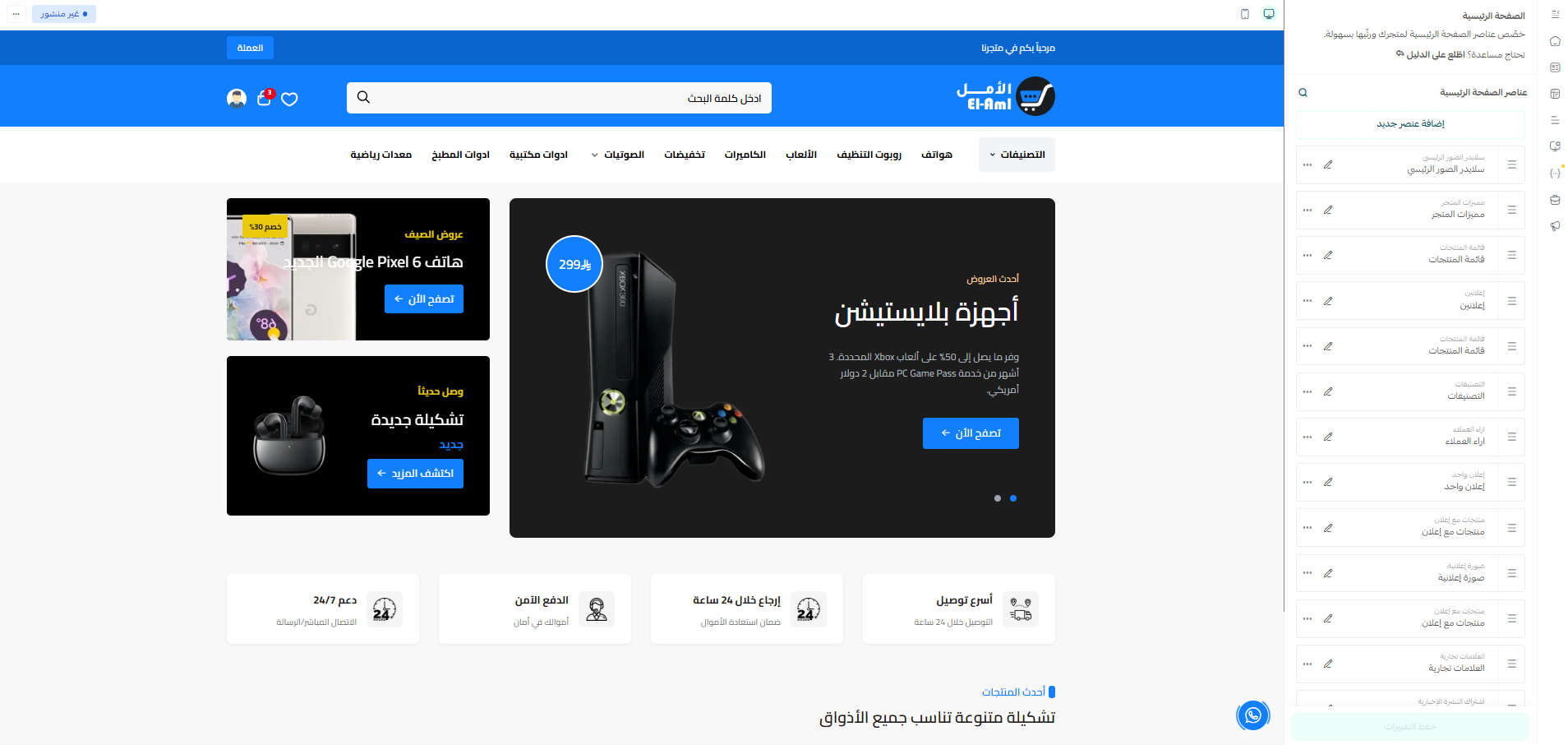

An animated image slider displayed at the top of the homepage to showcase offers and featured products. To edit it, click on "Main Image Slider" from the homepage elements list.
Hide Section: The ability to completely hide the slider without deleting it.
Boxed Slider: Display the slider with a limited width (Boxed) instead of full width.
Loop Slider: Enable automatic looping of slides so it returns to the beginning after the last slide.
Show Dots: Display navigation dots below the slider.
Autoplay: Enable automatic switching between slides.
Slides: For each slide, you can set: subtitle, subtitle text color, main title, description, button text, link, image link, and price.
Side Banners: Small banners displayed next to the slider. For each banner, you can choose the style, subtitle, title, button text, button link, image, and offer or price.

A
Additional custom components
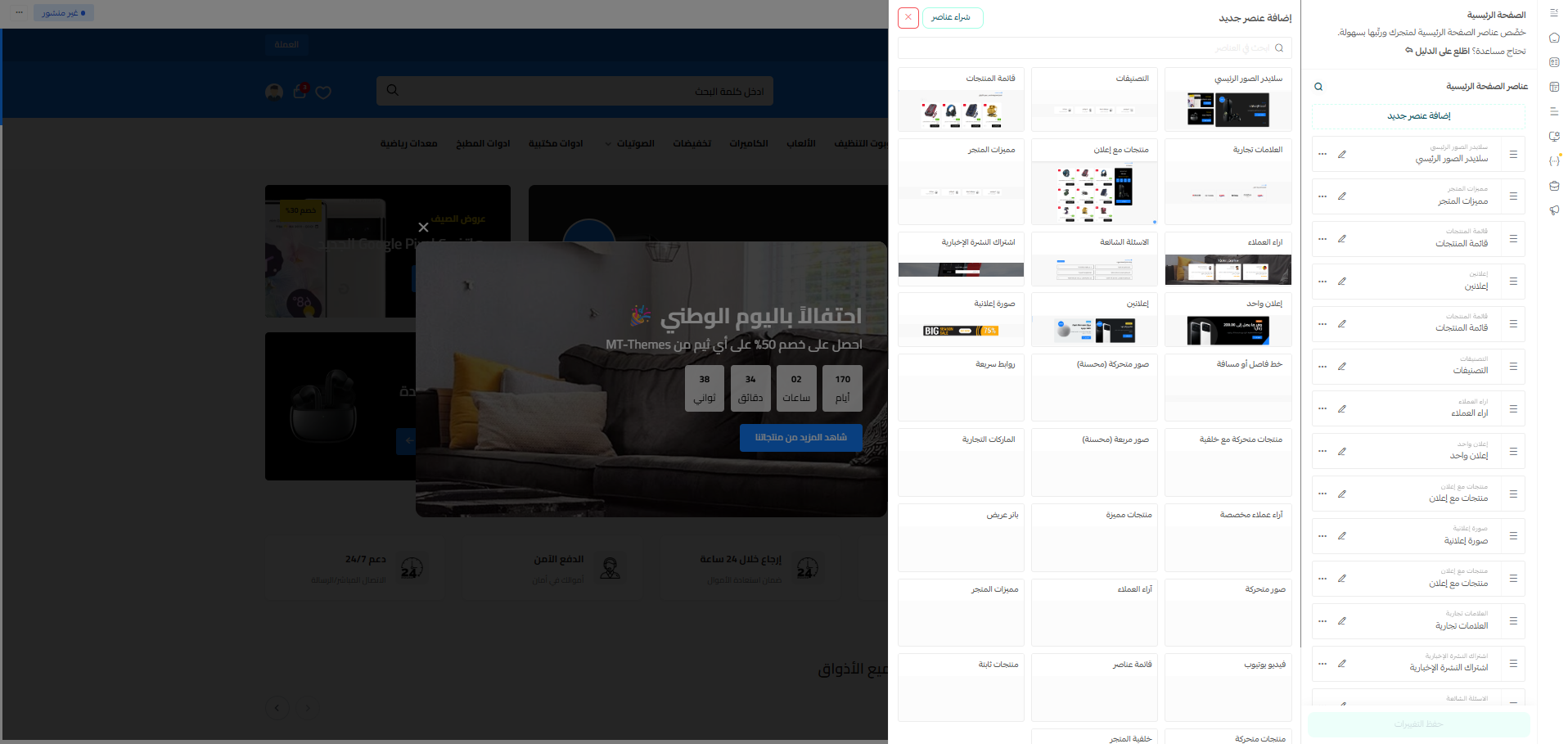
A dedicated section to display a collection of images in an attractive, animated format. It supports displaying product images or offers with smooth transition effects.
Hide Section: The ability to hide the section.
Images: Add multiple images with links for each image.
A section that displays quick link icons for categories or important pages in an attractive circular design.
Hide Section: The ability to hide the section.
Links: For each link, you can set: the icon/image, title, and URL.
A section that displays products in an animated format (slider) with a customizable background.
Hide Section: The ability to hide the section.
Background Image: Upload a background image for the section.
Product Category: Select the category whose products you want to display.
A section that displays square images in an organized grid, suitable for showcasing categories or advertisements.
Hide Section: The ability to hide the section.
Images: Add images with titles and links.
A dedicated section to display brand logos with an enhanced design, offering greater customization than the default section.
A dedicated section to display customer reviews with a different, enhanced design compared to the default section, including options to customize colors and layout.
A section to embed a YouTube video on the homepage.
Video Link: Enter the YouTube video URL.
Title and Description: Customize the section's text.
A section that displays featured products selected in the dashboard.
Hide Section: The ability to hide the section.
Title: Customize the section title.
A section to display a full-width promotional banner with text and a call-to-action button.
A section that displays a static group of manually selected products.
A section that displays products in a horizontal animated slider.
A section to add a custom background with promotional text and a call-to-action button.
Related themes
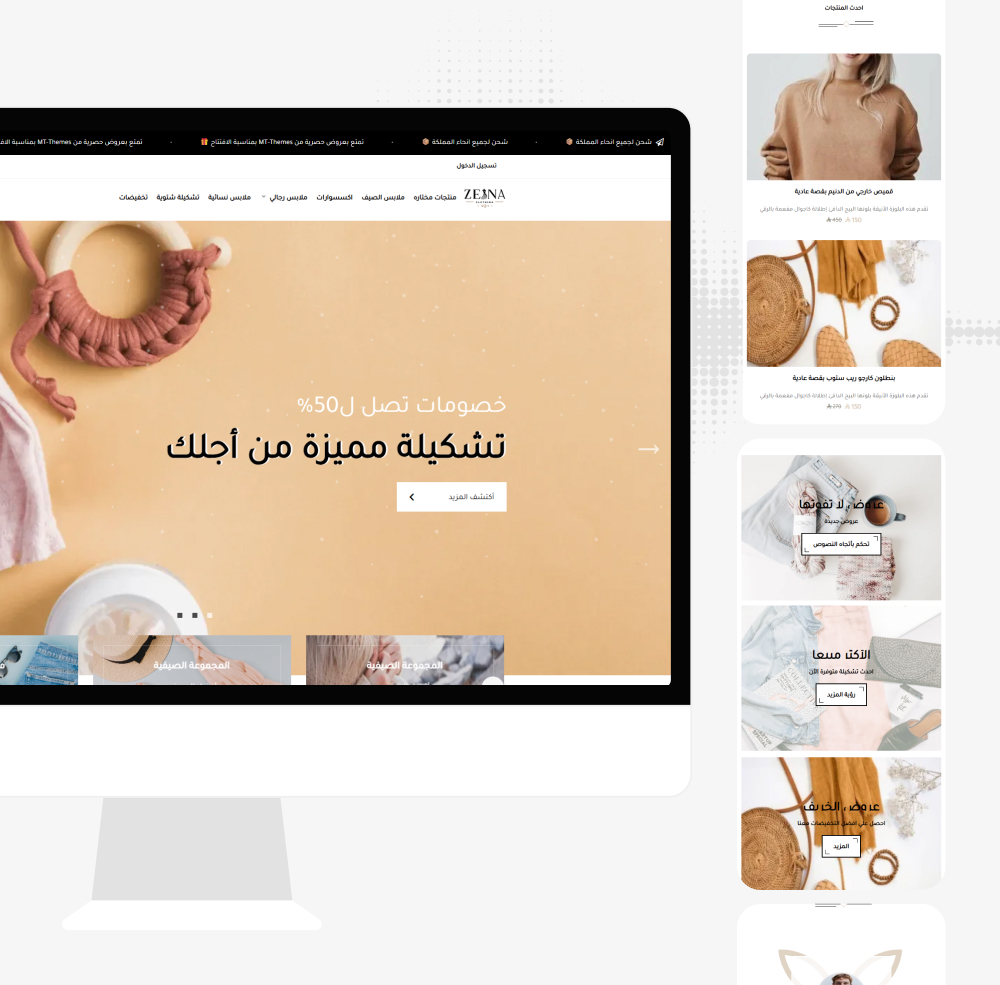
Zeinty
Zeinty - a professional Salla theme. A modern, easy-to-customize design for your online store.
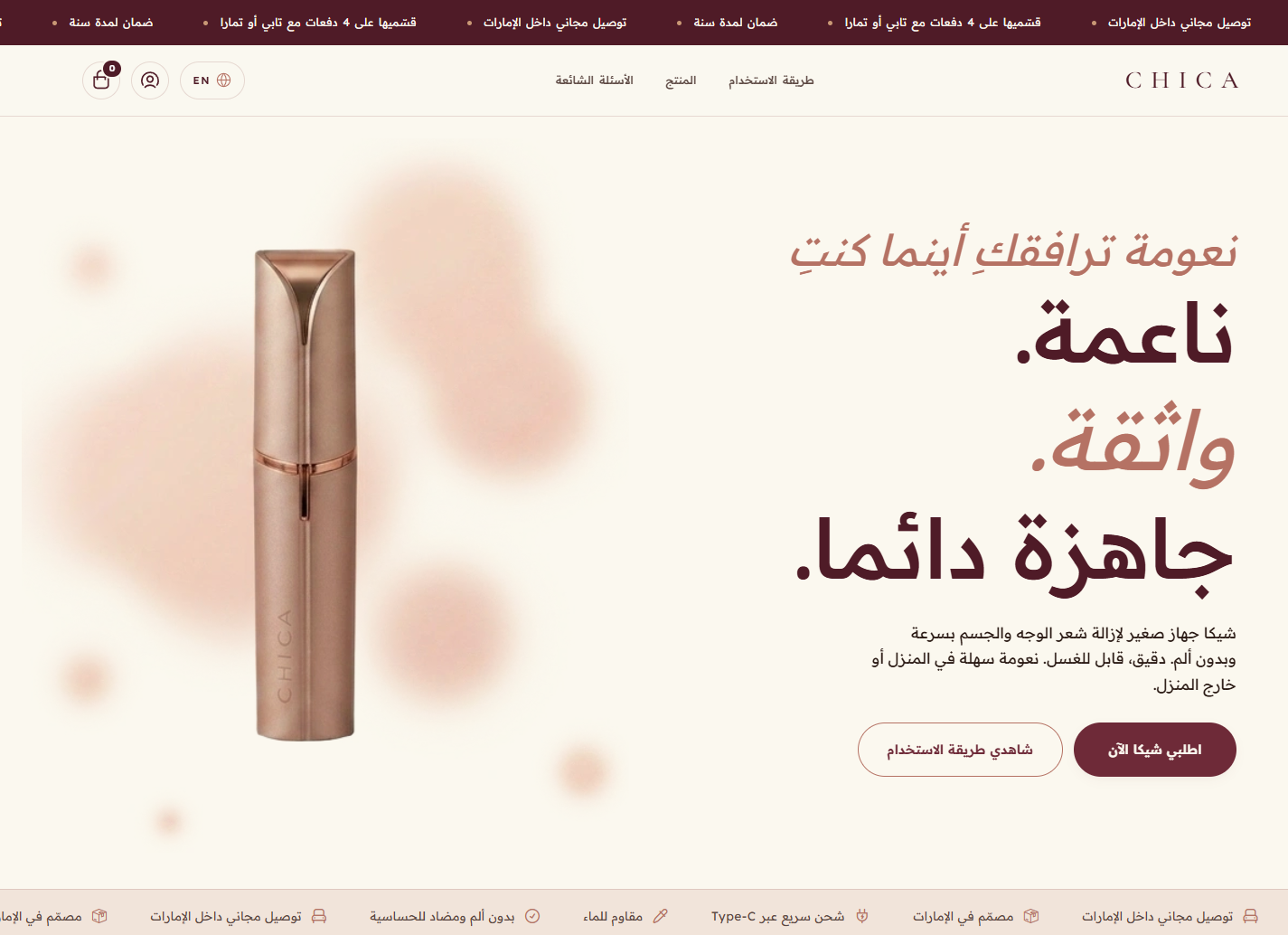
Chica
A premium Salla theme with an elegant design and a powerful hero, ideal for beauty, care and single-hero-product stores.
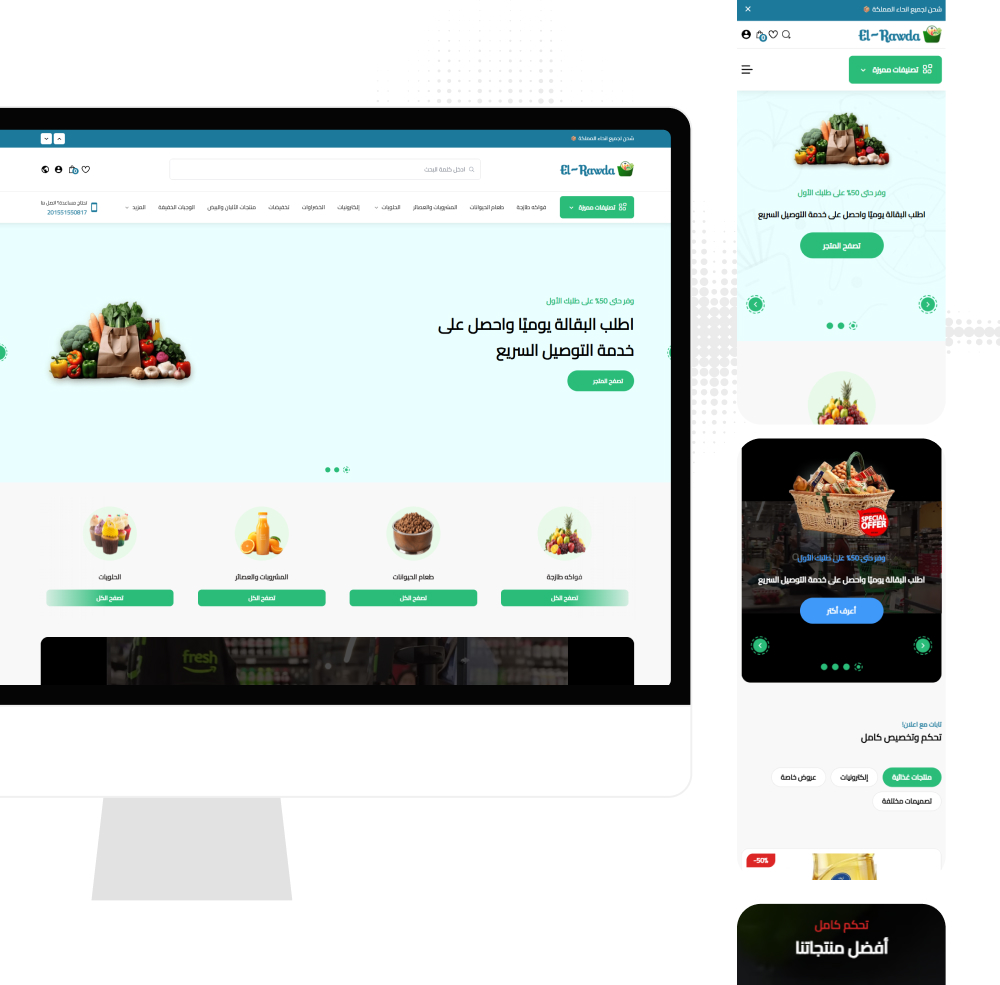
El-Rawda
El-Rawda - an all-in-one modern Salla theme delivering a professional shopping experience with flexible customization.
Not sure which theme to pick?
Our team helps you pick the theme and customize it for your store.
Contact us