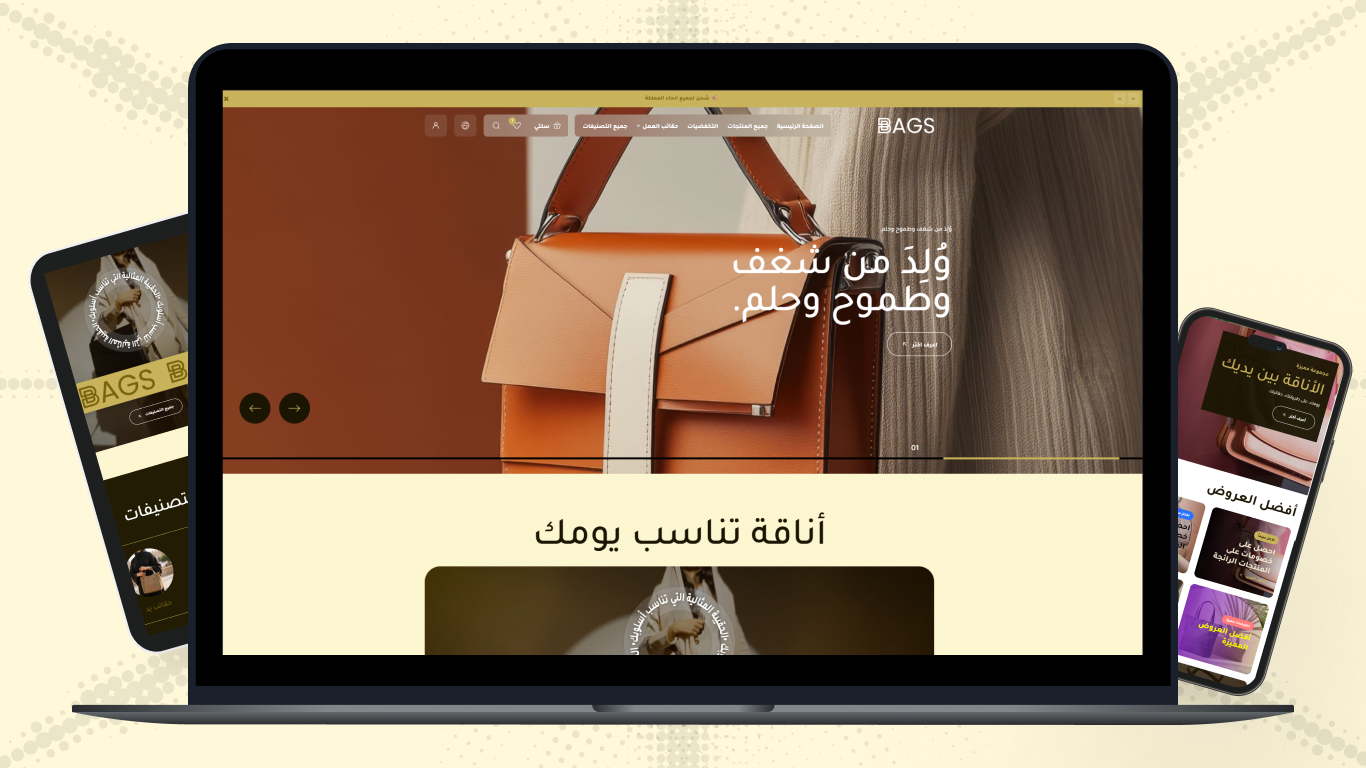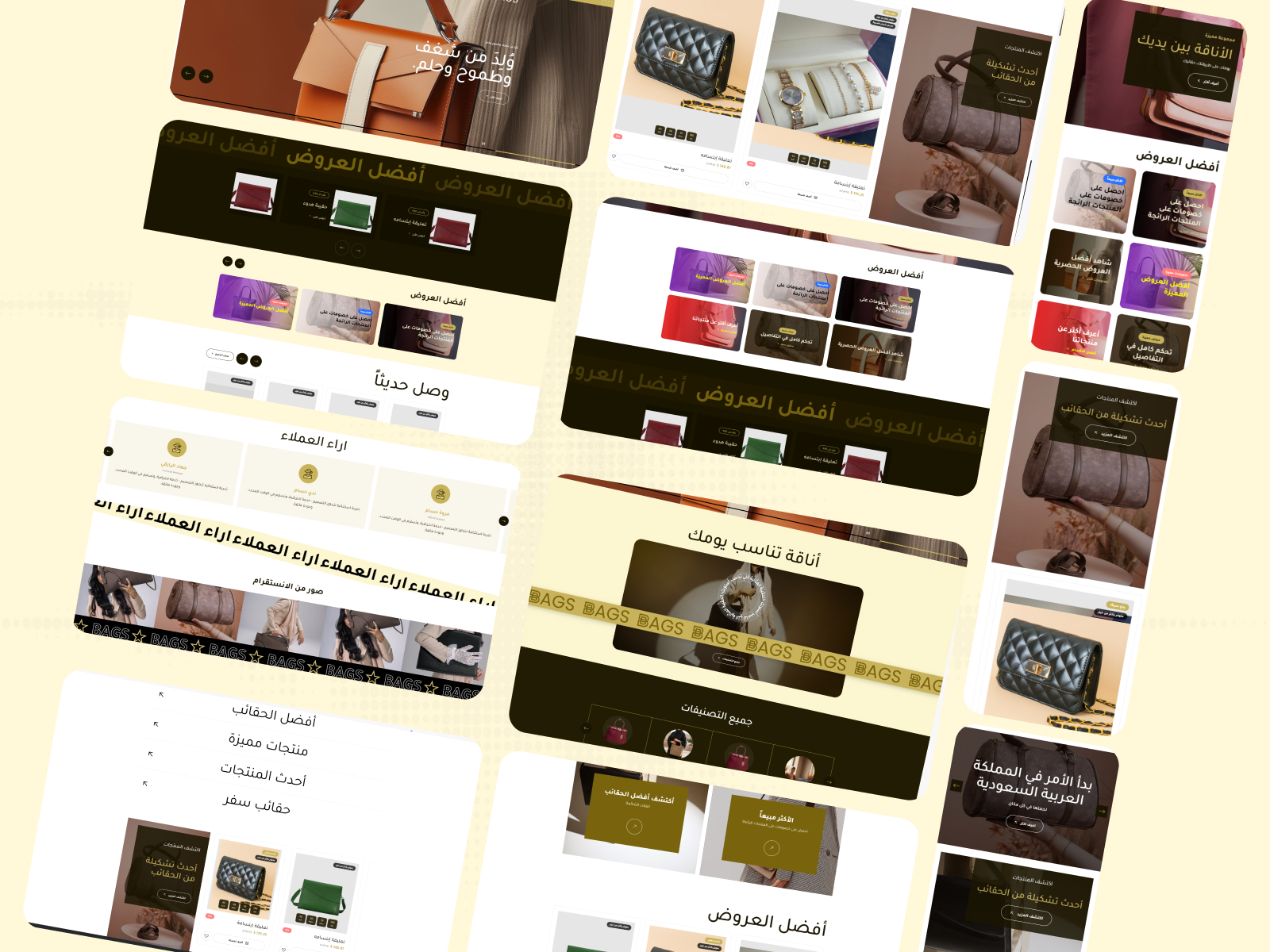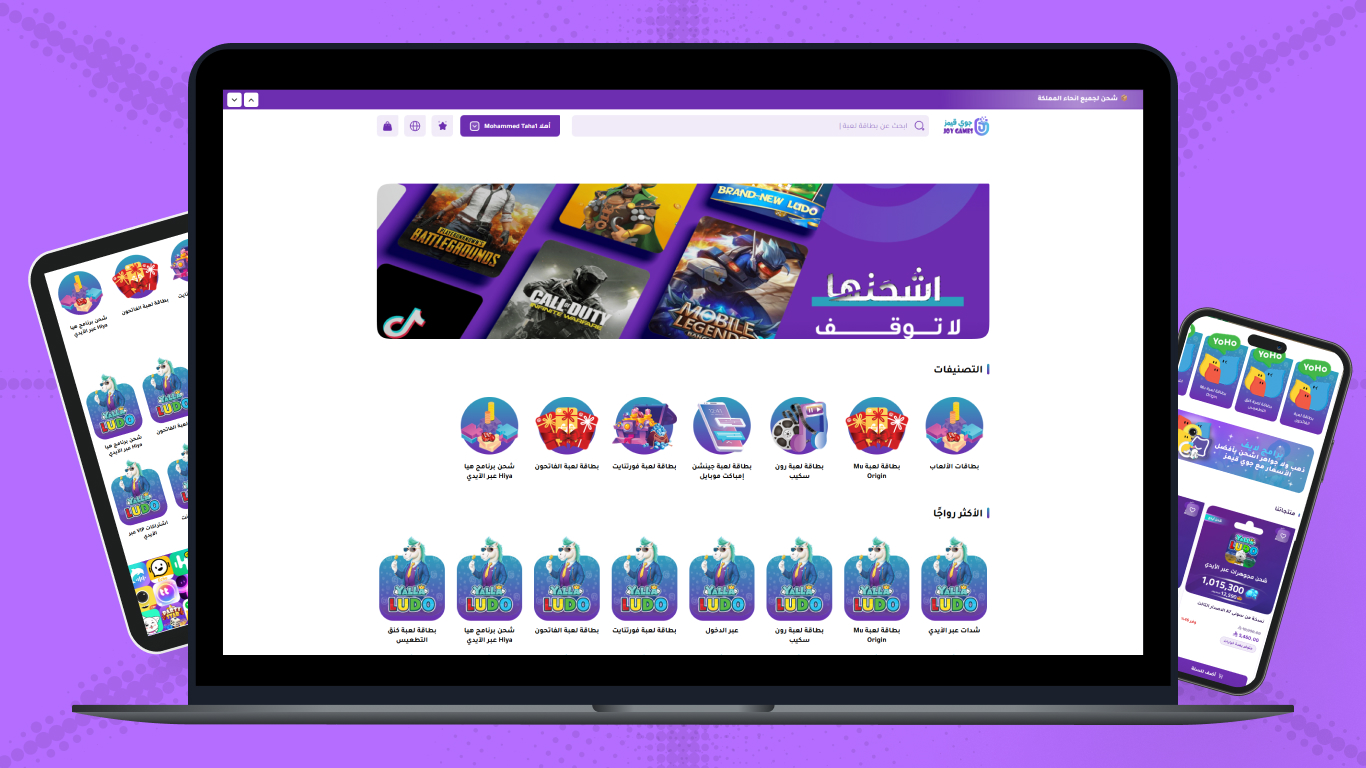




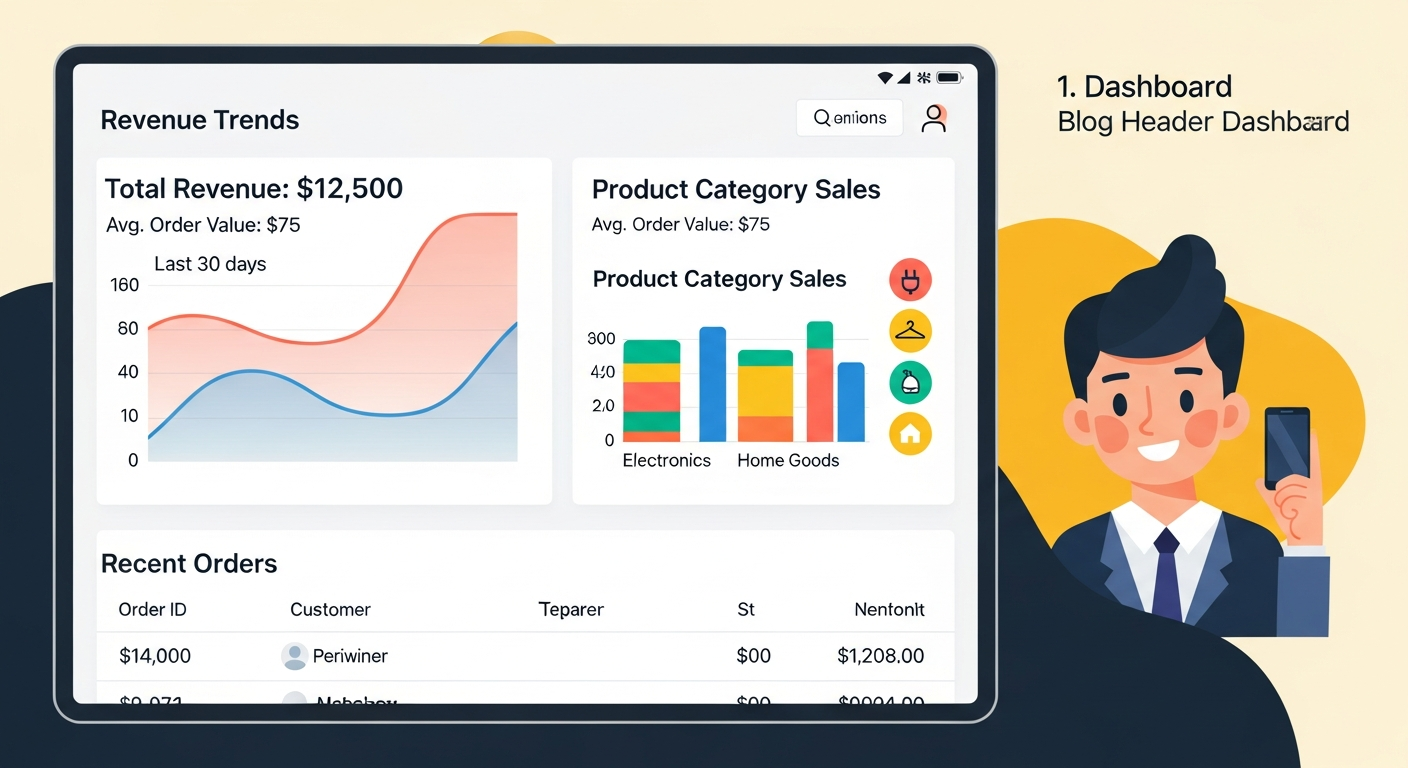
In the fast-paced world of e-commerce, owning an excellent product alone is no longer enough to achieve sales — your online store interface has become the glass display window that either attracts the customer inside or pushes them to leave immediately. When customers visit your store for the first time, they make a subconscious decision to stay or leave within just the first three seconds, and this decision depends entirely on design quality, color harmony, and browsing ease. On leading e-commerce platforms in the Arab world like Salla and Zid, powerful tools and multiple design options are available, but the secret lies in how to employ these tools to build an unforgettable user experience reflecting your brand identity and increasing your customer loyalty.
Online store design is considered like the ideal employee working around the clock — receiving customers, guiding them to products they're looking for, answering their questions through clearly organizing information, and finally convincing them to complete the purchase. If the design is chaotic, colors are eye-irritating, or mobile browsing experience is slow and complex, the customer will feel unsafe and link this chaos with product quality and customer service level. So investing in a professional interface isn't just an aesthetic improvement, it's a fundamental marketing strategy aimed at reducing bounce rates and increasing trust between merchant and consumer.
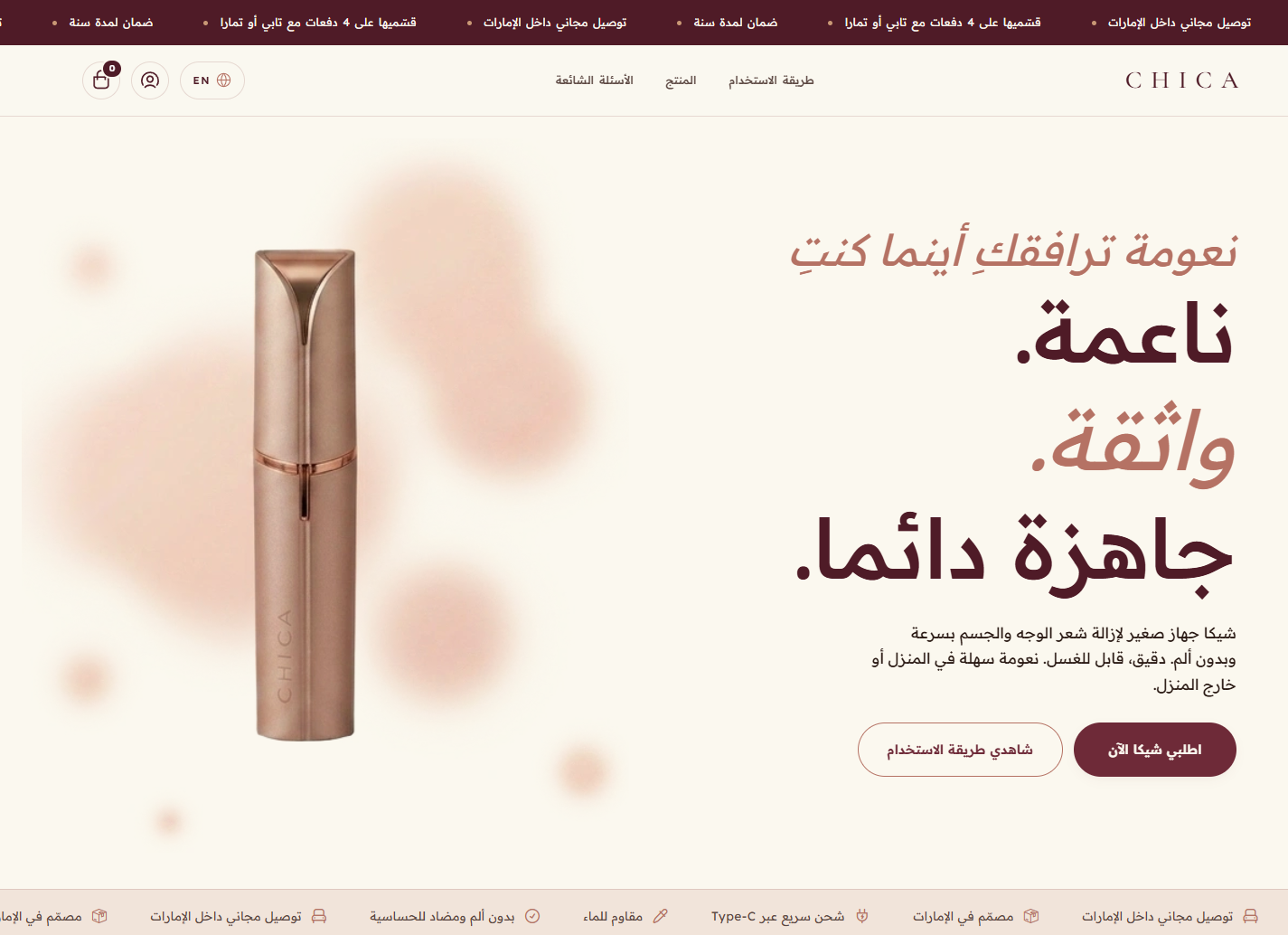
Through this comprehensive guide, we'll dive deep into online store design on Salla and Zid, exploring together the basic elements that make the difference between a regular store and one achieving exceptional sales. We'll address how to choose colors and fonts, the importance of image quality, and how to structure menus and categorize products in a way serving the customer journey. We'll also spotlight best practices to improve user experience and simplify the checkout process, so you can finally convert your store's passing visitors into permanent customers who trust your brand and prefer it over competitors.
The Importance of Professional Design in Building Customer Trust
Trust is considered the most valuable currency in the e-commerce market — online shoppers lack the ability to touch the product or speak face to face with the seller, making the digital interface the only source for building this trust. Professional design for your Salla or Zid store sends a clear message to the customer that you are a serious and trusted commercial entity investing in providing the best possible experience. When the customer sees a coordinated design reflecting strong visual identity, they feel safe to enter their credit card data and complete the purchase without hesitation or fear of fraud.
The close link between good design and increased sales isn't just theory — it's a fact supported by data and statistics in the digital commerce world. The design that smoothly facilitates the customer finding what they're looking for, and clearly highlights product features, directly contributes to raising the percentage of visitors converting into actual buyers. If you want a deeper understanding of how to leverage all elements of your store to raise this percentage, you can review our guide on Improving Conversion Rate: Double Your Salla and Zid Sales, where we clarify how design elements integrate with marketing strategies to achieve maximum possible return.
Platforms like Salla and Zid offer ready-made templates suiting various business sectors, but the real challenge lies in customizing these templates to uniquely suit your brand's spirit. It's not enough to choose a beautiful template — you must modify it to become expressive of your story and values. Properly using white spaces, avoiding element clutter on the home page, and caring about font size consistency are all psychological factors affecting customer comfort and making them spend longer time exploring your products, increasing purchase likelihood and future visit repetition.
The Essential Elements of a Successful Store Interface on Salla and Zid
To build a professional and competitive store interface, you must ensure the integration of a set of basic elements working together to form a positive mental image in the visitor's mind. The first of these elements is the store's top header, which should contain a clear logo, prominent search bar, and quick-access icons for the shopping cart and customer account. This area is the first thing the visitor's eye falls on, and must be organized, comfortable, and easy to use, enabling them to start the shopping journey without any obstacles or attention distraction.
The second decisive element in the success of any modern online store is full compatibility with mobile devices, or what's known as responsive design. In the Saudi and Gulf market specifically, the vast majority of purchases happen via smartphones. Salla and Zid platforms offer naturally responsive templates, but you as a merchant must regularly test the shape of your store, button size, and text clarity on various phone screens. Any difficulty mobile users face in clicking the Add to Cart button or reading the product description will inevitably lead to losing potential sales.
As for the third element, it's the page footer, which represents the reference anchor point for the customer. The professionally designed footer should include quick links to important policies like return and exchange policy, privacy policy, contact information, and social media account links. The presence of this information in a clear, easily accessible place reduces customer concerns and answers their implicit questions before they even ask them, enhancing the store's credibility and professionalism in dealing with consumer rights.
Color and Font Coordination to Enhance Visual Identity
Colors play an extremely important psychological role in guiding consumer behavior and influencing their feelings toward your brand. Choosing a coordinated color palette doesn't only mean choosing beautiful colors, but colors reflecting the nature of products you sell. Stores selling children's products often use cheerful and lively colors, while stores specialized in luxury watches tend toward dark and classic colors like black and gold. On Salla and Zid, you can easily customize button and background colors, but the golden rule is committing to two or three main colors to avoid visual annoyance.
The fonts used in the store are like the tone of voice you speak to your customers through the screen. Using clear and readable Arabic fonts is indispensable to ensure eye comfort while reading product details and specifications. The platforms offer various options of modern Arabic fonts, and you must choose a font suiting your brand personality, considering using different font weights (bold for titles, regular for texts) to create a visual hierarchy guiding the reader's eye to the most important information first.
Complete consistency between colors and fonts on all store pages, from the home page to the checkout page, creates a connected and comfortable visual experience. The color of the main action button like "Add to Cart" should be unified and prominent over the rest of the page colors to attract attention immediately. This visual unification reduces the mental effort the customer exerts to understand how to interact with the store, making the shopping process flowing and intuitive to the maximum possible extent.
Image Quality and Its Direct Impact on the Purchase Decision
In the e-commerce world, the image is the product. The customer can't measure the product's weight, touch its texture, or try it themselves, so they rely entirely on available images to make the purchase decision. Using low-resolution images, or images taken from the internet with annoying backgrounds, immediately kills store professionalism and reduces the perceived product value. So your product images on Salla and Zid should be high-quality, with clear features, and showing the product from multiple angles to cover all details that may interest the buyer.
Product photography is an investment that returns multiplied profits if executed correctly. Unifying image backgrounds to be white or neutral-colored gives a sense of organization and cleanliness to category pages, comforting the browser's eye. If you're looking for professional methods to highlight your product details in a way that encourages purchase, we recommend reading our detailed article on Product Photography: Your Guide to Attracting Salla and Zid Customers, to learn the best tricks and techniques suiting various types of products.
Alongside white-background images, using lifestyle images showing the product during actual use is one of the strongest persuasion tools. These images help the customer imagine themselves owning the product and benefiting from it in their daily life. You can use these attractive images in large advertising banners on the home page of your Salla or Zid store, to tell a visual story inspiring visitors and pushing them to explore more products inside the store with enthusiasm and passion.
User Experience and Browsing Ease Inside the Store
User experience is the real criterion determining whether the beautiful design is practical and effective or just a deceiving interface. In online stores, excellent user experience means the customer's ability to enter the store, find the required product, understand its details, and complete the purchase with the fewest possible clicks and without any complication. If your Salla or Zid store is slow to load, or links don't work, or buttons are too small on mobile screens, all these factors are considered bad user experience that will lead to the visitor leaving the store without return.
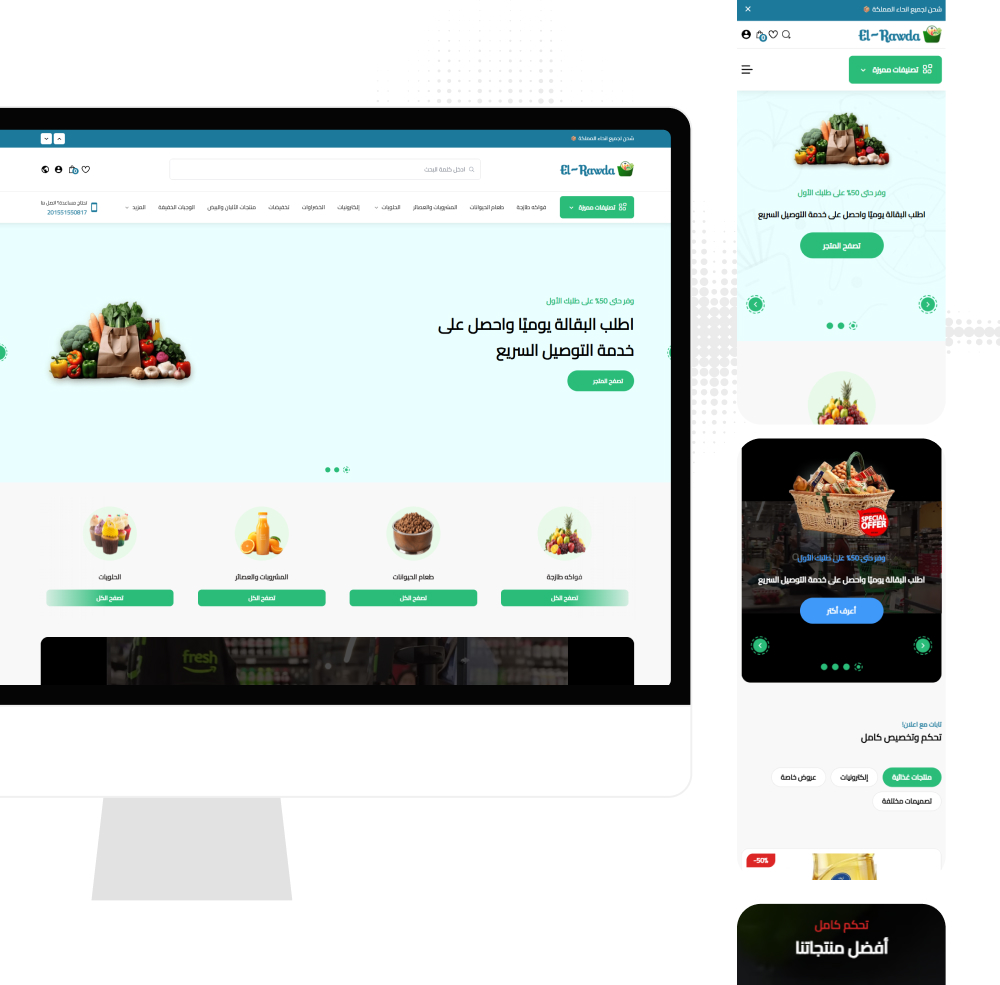
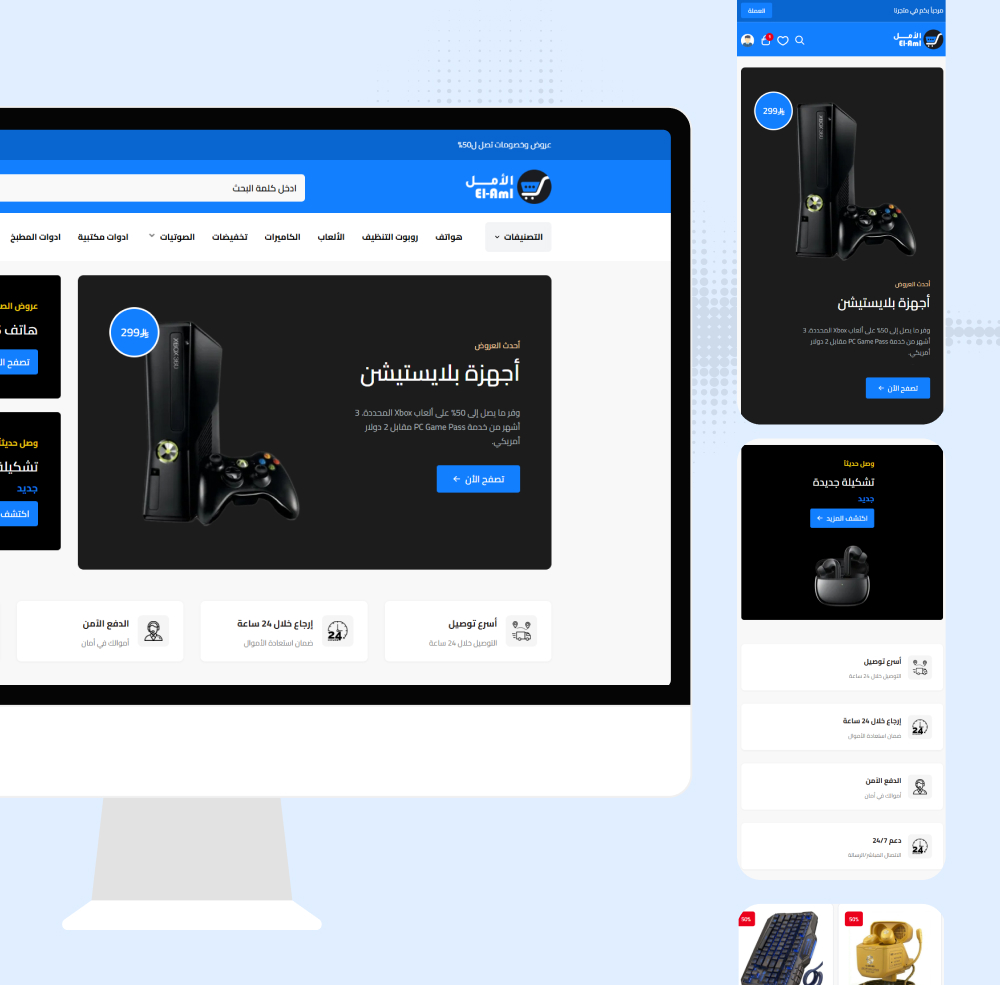
One of the most important user experience principles is providing a smart and effective search tool. Many customers enter the store knowing exactly what they want and don't wish to browse all categories. Having a prominent search bar at the top of the page, supporting auto-complete and suggesting products based on keywords, saves customer time and increases sales completion chances. Platforms like Salla and Zid provide strong internal search engines, and you must ensure correctly writing product names and tag words to activate this feature in the best way.
Moreover, attention should be paid to designing the navigation path inside the store, so the customer always knows where they are and how they can return to the previous page or home page. Using clear breadcrumb paths, providing back buttons, and designing clear menus that don't suddenly disappear, are all precise details making a huge difference in the customer's psychological comfort. The comfortable customer who doesn't feel lost inside your store pages is the customer most receptive to adding more products to their shopping cart.
Smartly Organizing Menus and Categorizing Products
The main menus are like the map guiding your store visitors to discover the treasures you display. If this map is complex or contains an exaggerated number of random options, the visitor will feel confusion and frustration. Menus on Salla and Zid should be organized in a logical hierarchical structure starting with broad main categories, then branching to more precise sub-categories. Avoid putting more than seven elements in the main top menu, because the human brain finds difficulty processing more options at one time.
Smart product categorization isn't limited only to facilitating browsing — its impact extends to include effective inventory management and ease of your access as a merchant to your products and evaluating their performance. Proper structuring of products inside the store ensures products don't get lost in back pages no one reaches. To dive deeper into how to organize and track your products professionally serving design and sales together, you can review our comprehensive guide on Inventory Management: Secrets of Organizing Salla and Zid Products, which offers practical steps to efficiently organize products.
Section and category names should be clear, direct, and use customer language. Move away from vague creative names that the average visitor may not understand, and use common, familiar words. Also, providing filter options inside each section is a very essential step, allowing customers to narrow the search scope based on price, color, size, or brand, taking them to the product matching their needs in seconds, and raising their overall satisfaction level with the shopping experience.
Optimizing the Store Interface to Increase Sales and Reduce Abandonment
The ultimate goal of any online store design is achieving the highest possible sales percentage. To achieve this, you must design your store interface in a way that guides the customer toward making the purchase decision smoothly. Call-to-action buttons like "Add to Cart" or "Buy Now" should be the most prominent elements on the product page. Use contrasting colors for these buttons, ensure they're large enough for easy clicking via mobile, and place them in a location not requiring the customer to scroll much down to see them.
Adding social proof elements to the interface design greatly enhances trust and speeds up the purchase decision. Designing a dedicated section for previous customer ratings, clearly displaying stars under each product name, and broadcasting live notifications about recent purchases, are all visual techniques breaking the hesitation barrier for new customers. Salla and Zid platforms support easy customer rating integration, highlighting them with elegant design integrating with the store's visual identity and not appearing as an alien element.
Using scarcity and urgency elements in a thoughtful way in design can double sales. For example, displaying a countdown timer for the end of a promotional offer, or writing a phrase "only two pieces remain in stock" in a distinctive color near the purchase button, creates a strong motivator in the customer to complete the order immediately fearing losing the opportunity. These elements must be used honestly and transparently in your store design to avoid losing your credibility with customers in the long term.
Simplifying the Checkout Process and Clarifying Store Policies
The checkout page is the bottleneck in the purchase journey, and any complication in its design will lead to the disaster of abandoned carts. The checkout page on Salla and Zid should be at the peak of simplicity and clarity, free of any external links or attention distractions that may exit the customer from the purchase path. Ask only for very essential information for order delivery, and provide multiple fast payment options like Apple Pay or Mada to speed up the process and reduce the effort required from the customer.
Ambiguity in shipping costs or store policies is one of the main reasons for customer withdrawal in the last moments. The checkout page design should display the total cost with extreme clarity, divided into product prices, shipping cost, and any imposed taxes, before the customer presses the order confirmation button. If you're facing a problem with customers retreating at this decisive stage, our article on Abandoned Carts: Recovery Steps on Salla and Zid will provide you with effective strategies to analyze the causes and successfully recover these customers.
Placing security and safe payment badges near order confirmation buttons sends a final reassurance message to the customer that their financial data is in complete safety. Also, providing the guest checkout option without forcing the customer to create a new account and password is considered one of the best checkout interface design practices, as it removes a big obstacle in front of rushed customers or those trying to buy from your store for the first time, ensuring you don't lose any potential sales opportunity due to complex routine procedures.
Conclusion: Your Investment in Design is an Investment in Your Success
In closing this comprehensive guide, we must emphasize that store interface design on Salla and Zid platforms isn't just a technical step you do once during establishment — it's a continuous process of improvement and development. The professional attractive interface is the cornerstone on which customer trust is built, and it's what converts your store from just a webpage into a prestigious brand consumers prefer dealing with. We've reviewed the importance of visual consistency in colors and fonts, and how image quality plays the decisive role in compensating for the absence of product sensory experience.
We've also clarified that great design loses its value if not supported by smooth and comfortable user experience. Smartly organizing menus, facilitating the search process, and providing precise filter options, are all tools ensuring the customer stays longer inside the store and enjoys the shopping journey. We can't ignore the importance of focusing on improving the checkout page and simplifying payment steps, as this stage is the actual translator of all marketing and design efforts into real, tangible profits.
We invite you today to take an inspection tour inside your online store on Salla or Zid, with customer eyes not merchant eyes. Test the site speed, try browsing sections via your phone, and conduct a trial purchase to identify any friction points that may annoy your visitors. Always remember that every small detail in your store interface design, no matter how simple it seems, has the ability to either attract a loyal customer or push them toward your competitors. Invest your time and effort in building a professional interface, and you'll undoubtedly notice the deep positive impact on your sales growth and business prosperity.