



Theme features
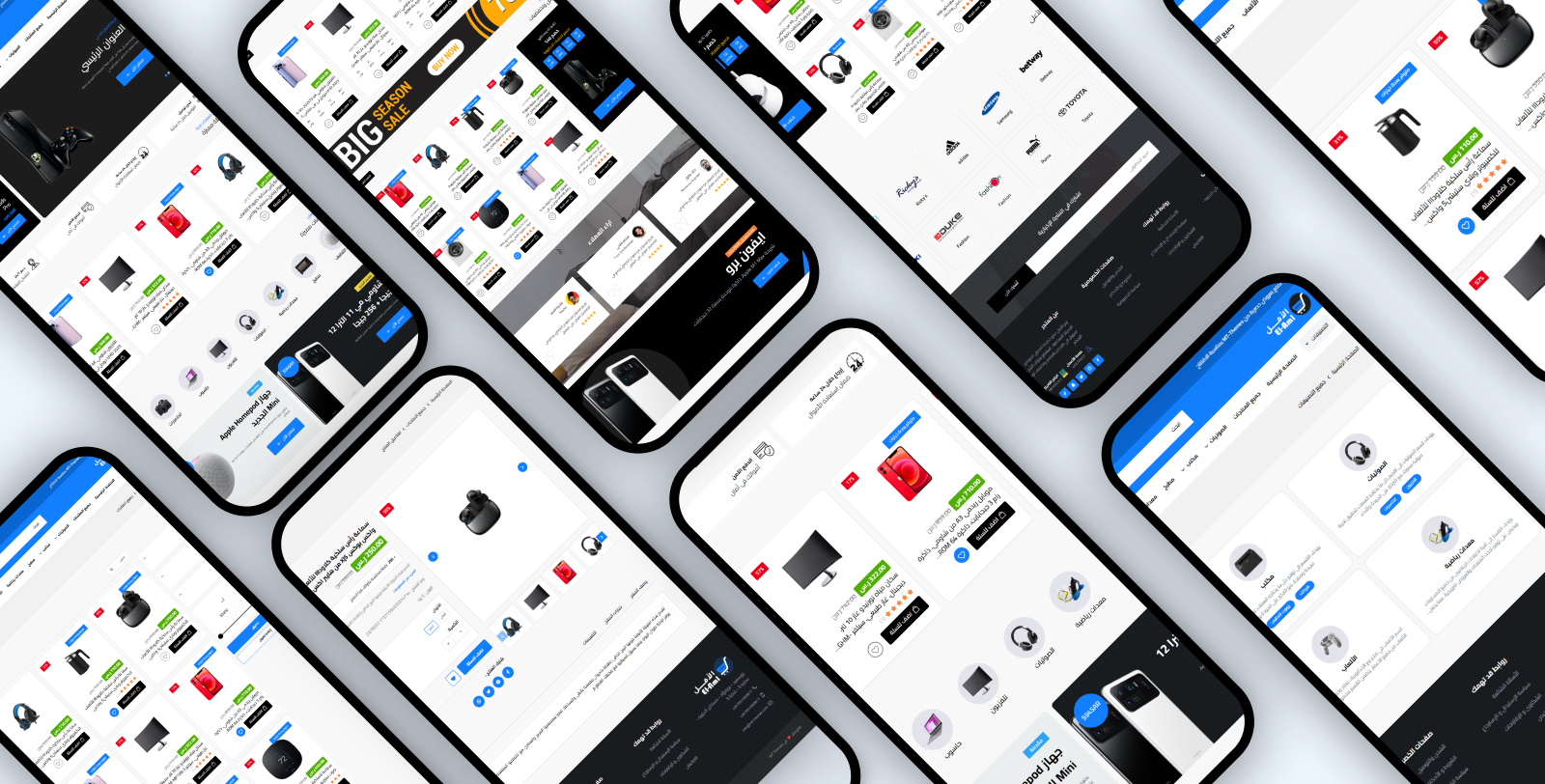
Mobile friendly
A responsive design that fits all screen sizes and devices
High loading speed
Optimized performance for fast loading that improves UX and SEO
Easy to customize
An easy control panel to customize colors, fonts and sections with no coding
Rich flexible sections
Multiple re-orderable sections: slider, products, categories, banners, reviews, FAQs and more
WhatsApp & popup
A floating WhatsApp button with ready messages & chat box, and a popup ad modal
Zid compatible
Built specifically for Zid with full Arabic/English support
Theme user guide
Download the ready-made design
One file gives your store the demo store's look: the home page with its sections and texts, the header and footer, colors and fonts, in both languages. After importing, put in your own texts and pictures.
How to import it
- Download the file.
- In your Zid dashboard, click
Customize
on El-Aml, thenImport
and choose the file. - Check the result and press
Publish
.
Import replaces your customization without asking, so press Export
first. Your products and categories stay as they are.
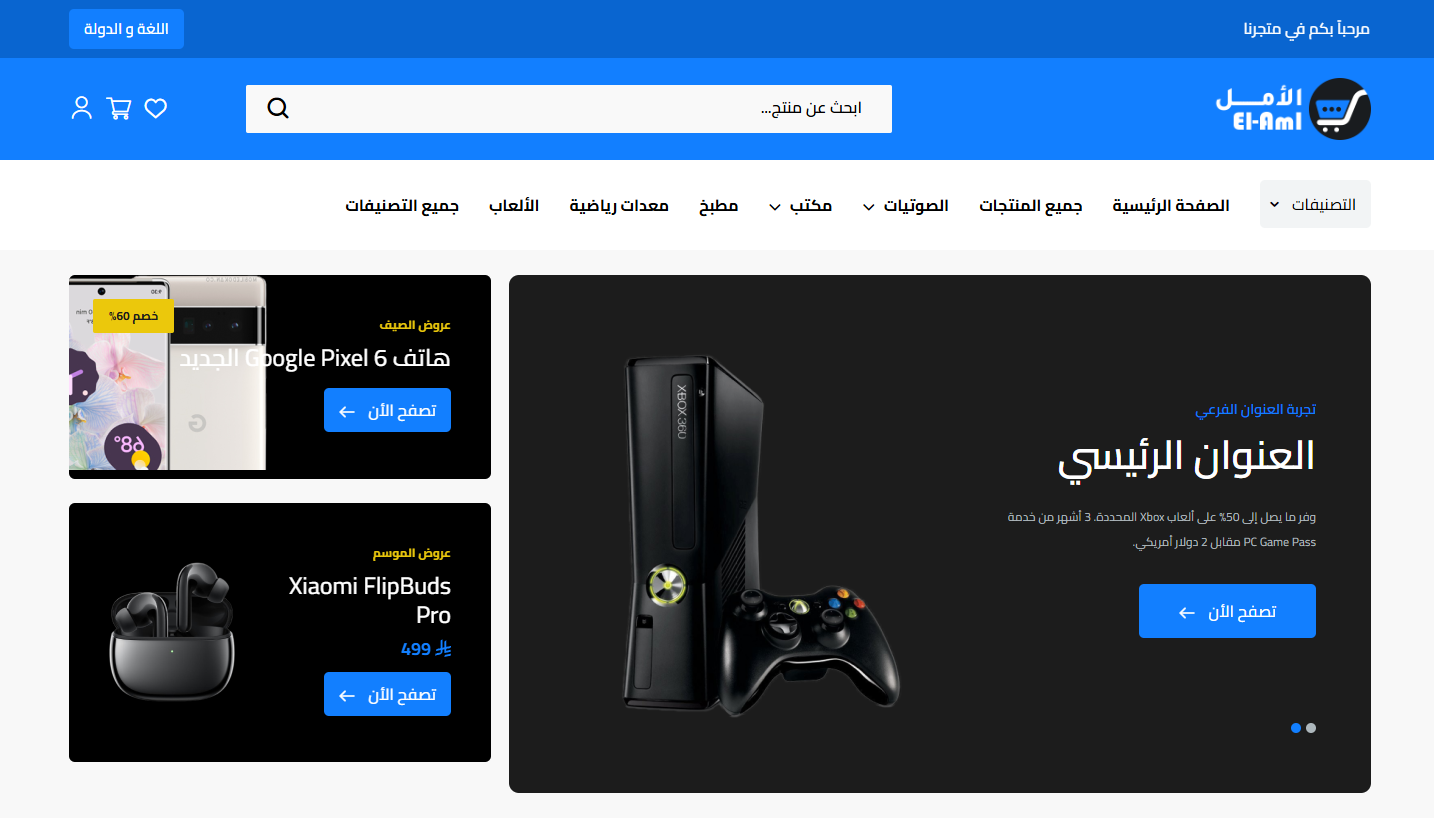
General Settings
- Disable right click: Protect store content from copying
- Loader screen: Show a loader on open with a custom loader logo
- Website background color: The general store background color
- Hover / discount color: Color on button hover and on product discount badge (default red)
- Inner pages (Breadcrumb): Background color, text color, text-with-background color, and a background image for inner page headers
- Default product settings: Open cart on add, show countdown in card, hide ratings, products per mobile page (1 or 2), a product-views counter with a custom title, and a title below the price with main & sub titles
- Payment methods in card: Show payment methods with a list (description + bold middle text + description tail + button title & link + image)
- Payment methods section (under product): Show it with uploaded payment-method images
- Fonts: Pick from 30+ Arabic & English fonts (Cairo, Tajawal, Almarai, Changa, El Messiri, Reem Kufi, IBM Plex Sans Arabic, Amiri… and more)
Ad Modal (Popup)
- Display Ad: Enable the popup modal
- Where to show: Home page only or all pages
- Appearance: Transparent background, white texts, center content, and hide on mobile
- Content: Title, subtitle, image, button text & link with open-in-new-tab
- Countdown: A countdown date for the offer
Header
- Full width: Stretch the header to full screen width
- Announcement bar: A moving news bar with adjustable speed (seconds), a list of announcements (text + link) and background/text colors
- Logo: A different logo per language (AR/EN) with a mobile version for each
- Header colors: Header background color and icons color
- Search bar: Search background color, content color, placeholder text, and a hide-search option
- Icons: Hide language and hide country name
- Sticky header: Pin the header to the top when scrolling
- Categories menu: A categories title and a categories list (title + link) with mobile-menu background, category title color, category background, menu background, and links color
Footer & WhatsApp
- Footer colors: Background, titles, links & inner text, link-hover, and footer text colors (about & address)
- Copyrights: Copyright bar background/text colors with a link
- Shipping logos: Show shipping companies logos with a background color
- Back-to-top: Show a back-to-top button
- WhatsApp: WhatsApp number with colors (icon background, icon color, circle color)
- Chat box: Show a chat box with title & image, circle color above the image, ready messages list, footer title, and WhatsApp number color inside the chat
- Business info: Store address and contact details shown in the footer
Main Slider
- Hide Section: Show or hide the slider
- In a container: Show boxed or full width
- Slider behavior: Loop, show dots, and autoplay
- Slides: Each slide: subtitle with custom color, main title, description, button text & link, image (with remove-space option), and price
- Side banners: Show banners with style (1/2), subtitle, title, button text & link, image, and offer or price
Store Features

- Hide Section: Show or hide the whole section
- Full Width: Stretch the section to full screen width
- Features: The features list, each with an icon (image) + title + text
Products
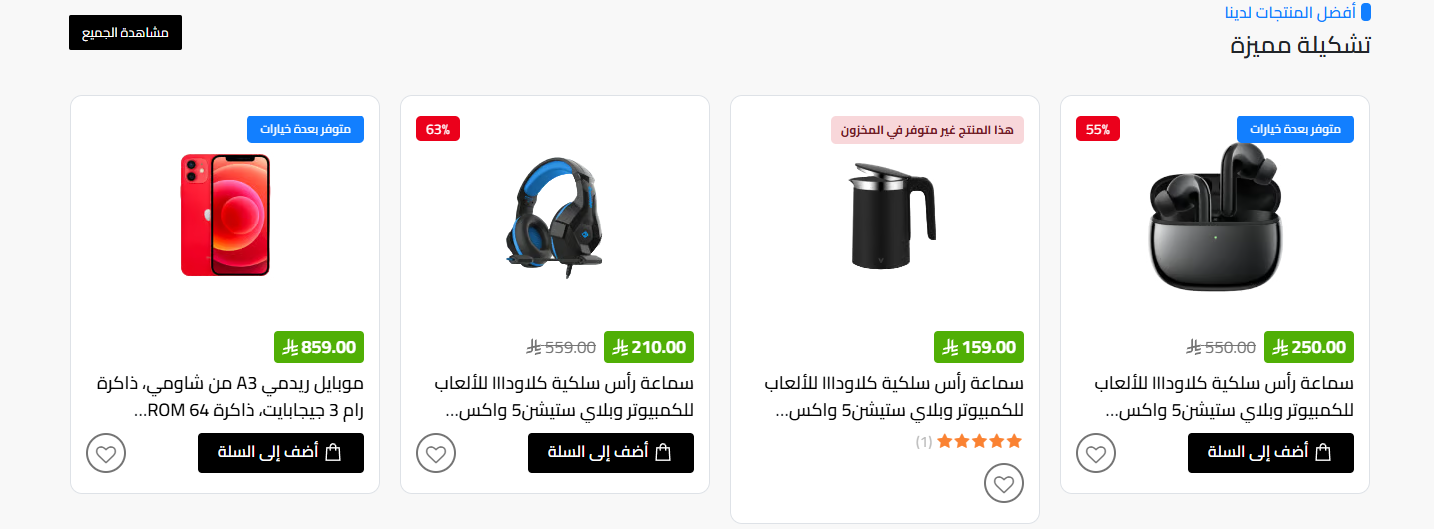
- Hide Section: Show or hide the whole section
- Full Width: Stretch the section to full screen width
- Title: Main and sub title for the section
- Select products: Choose the products list/category to show
- Products count: Up to 14 products
- Card options: Show countdown and hide ratings
- Slider behavior: Loop items and autoplay
- Items per device: Set items count for web, tablet and mobile
- More button: Text and link for the show-more button
Category Products
- Hide Section: Show or hide the whole section
- Full Width: Stretch the section to full screen width
- Display title: Show the section title with its text
- Select category products: Choose the category products to show
- Products count: Up to 14 products
- Card options: Show countdown and hide ratings
- Slider behavior: Loop items and autoplay
- Items per device: Items count for web, tablet and mobile
- All-category button: Text and link for the button
Categories
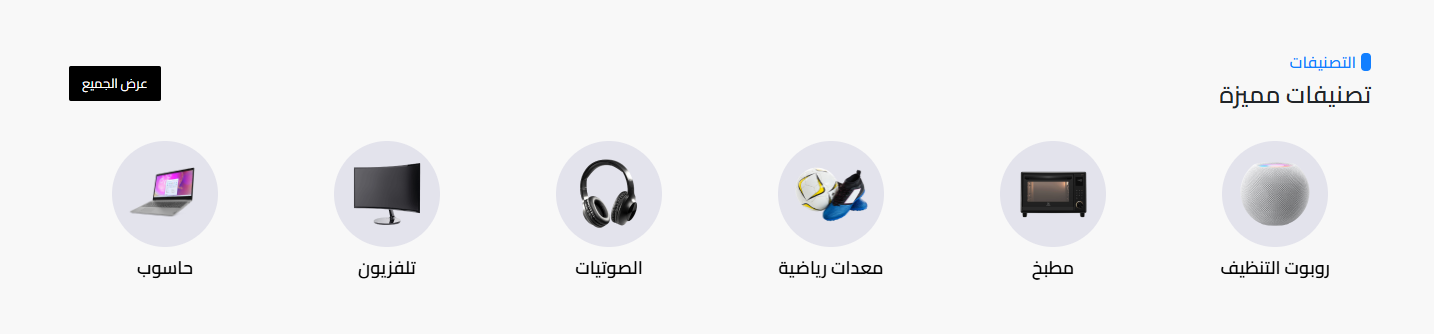
- Hide Section: Show or hide the whole section
- Full Width: Stretch the section to full screen width
- Title: Main and sub title
- Slider behavior: Loop items and autoplay
- All-categories button: Show a button for all categories with its text
- Categories: The list of categories shown (pick category)
Two Ads
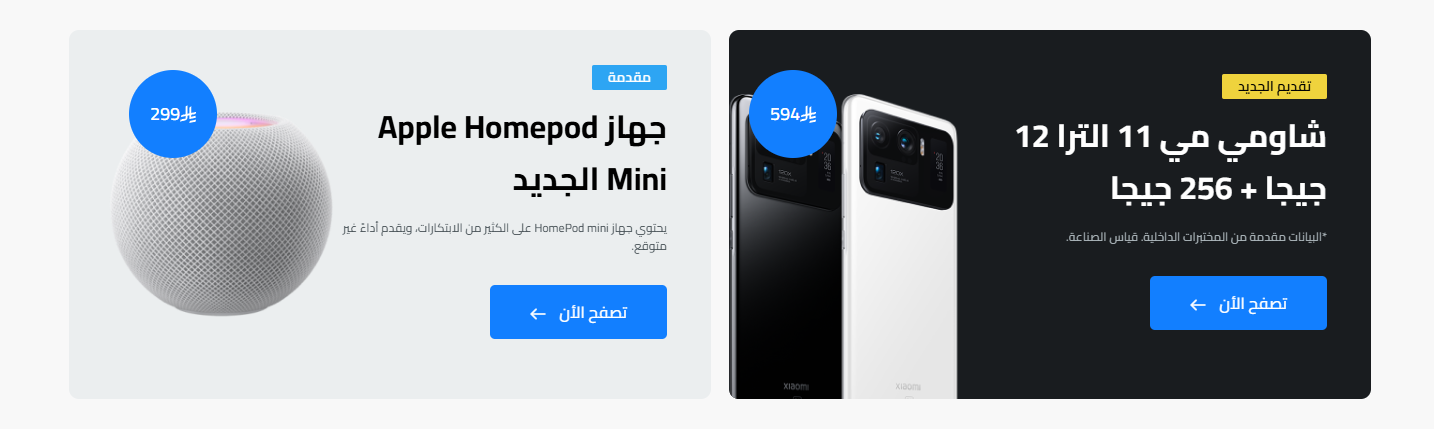
- Hide Section: Show or hide the whole section
- Full Width: Stretch the section to full screen width
- Banner 1: Background color, subtitle (with subtitle background & text colors), main title, description, button text & link, image, and price
- Banner 2: Exactly the same options as banner 1: background color, colored subtitle, title, description, button with link, image, and price
Ad Image

- Full width: Stretch the image to full width
- Padding: Section top & bottom padding (0 to 200)
- Image & link: Upload the ad image with a click link
Products with Ad
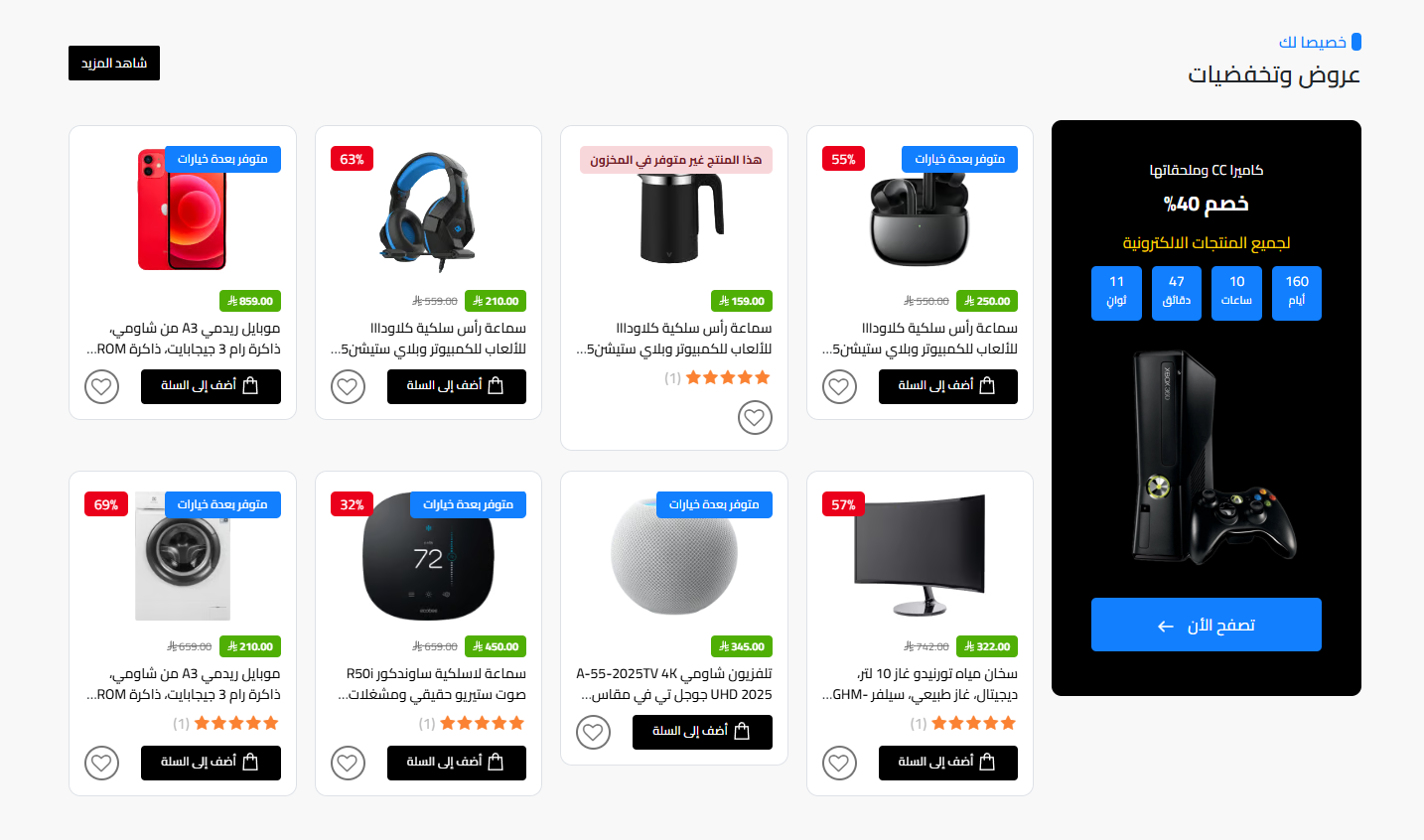
- Hide Section: Show or hide the whole section
- Full Width: Stretch the section to full screen width
- Reverse ad: Show the ad on the right or left of products
- Title: Main and sub title
- Select products: Choose the products list (up to 14) with hide-ratings
- More button: Text and link for the more button
- Side ad: Subtitle, title, info, countdown, image, button text & link for the ad
Testimonials
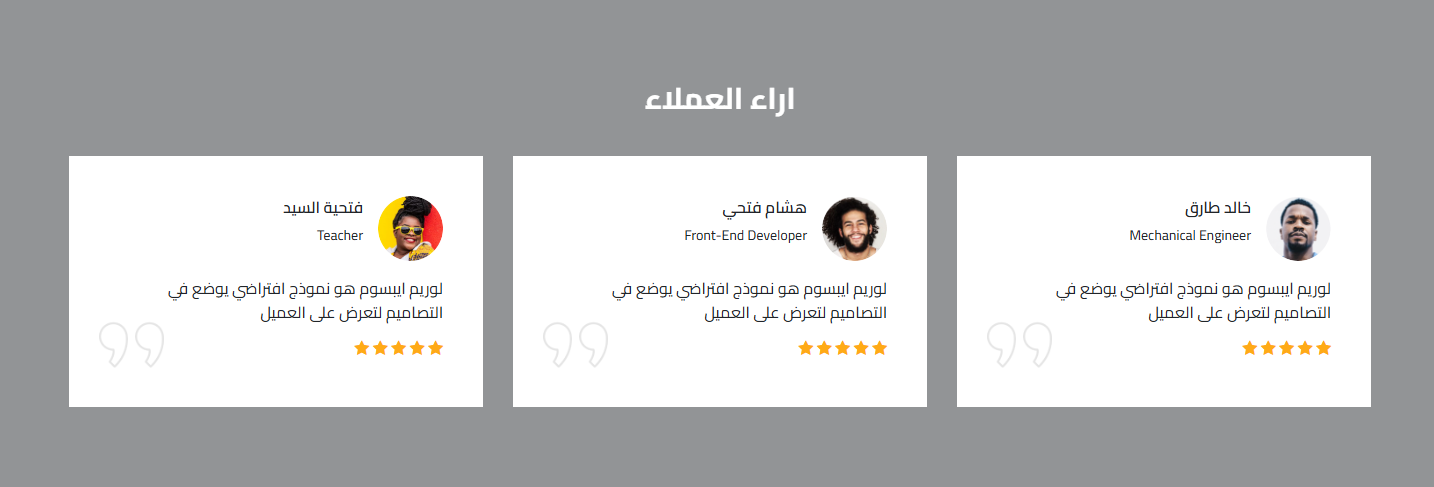
- Hide Section: Show or hide the whole section
- Full Width: Stretch the section to full screen width
- Background: Background image, background color, and opacity
- Title: Section title
- Slider behavior: Autoplay and loop
- Reviews: The reviews list, each with client image + name + bio + review text
One Ad
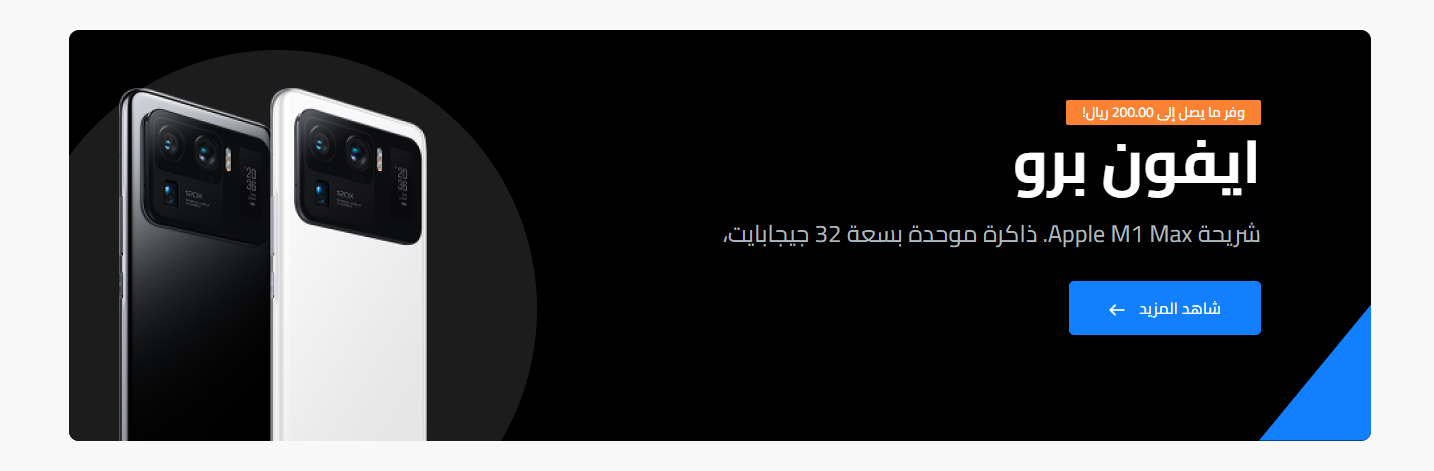
- Hide Section: Show or hide the whole section
- Full Width: Stretch the section to full screen width
- Background color: Section background color
- Content: Subtitle (with its own background color), main title, description, button text & link, and the ad image
Brands
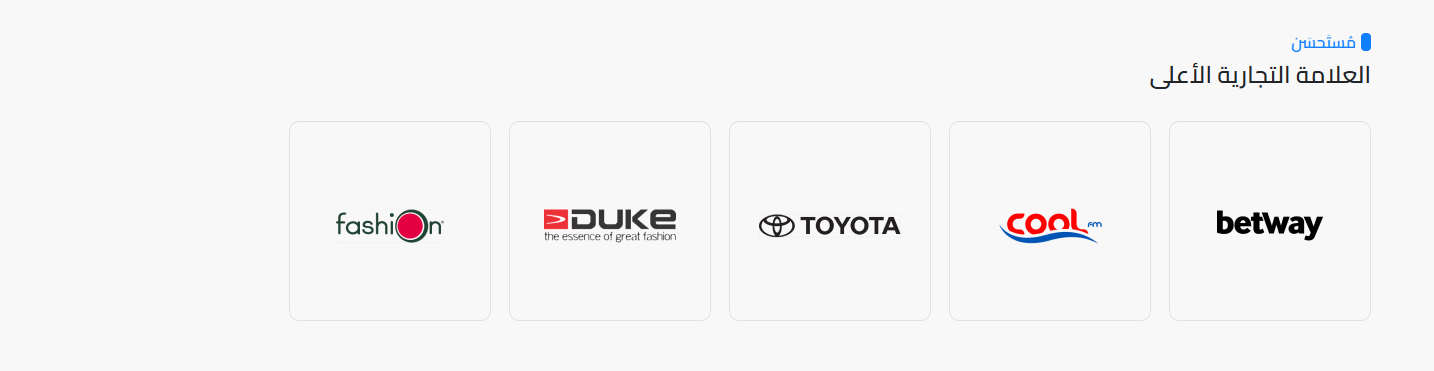
- Hide Section: Show or hide the whole section
- Full Width: Stretch the section to full screen width
- Brands slider: Show brands as a slider
- Title: Main and sub title
- Brands: The brands list, each with image + name + link (optional)
Newsletter

- Hide Section: Show or hide the section
- Background: Background image, background color, and opacity
- Content: Newsletter title, button title, and the newsletter link
FAQs
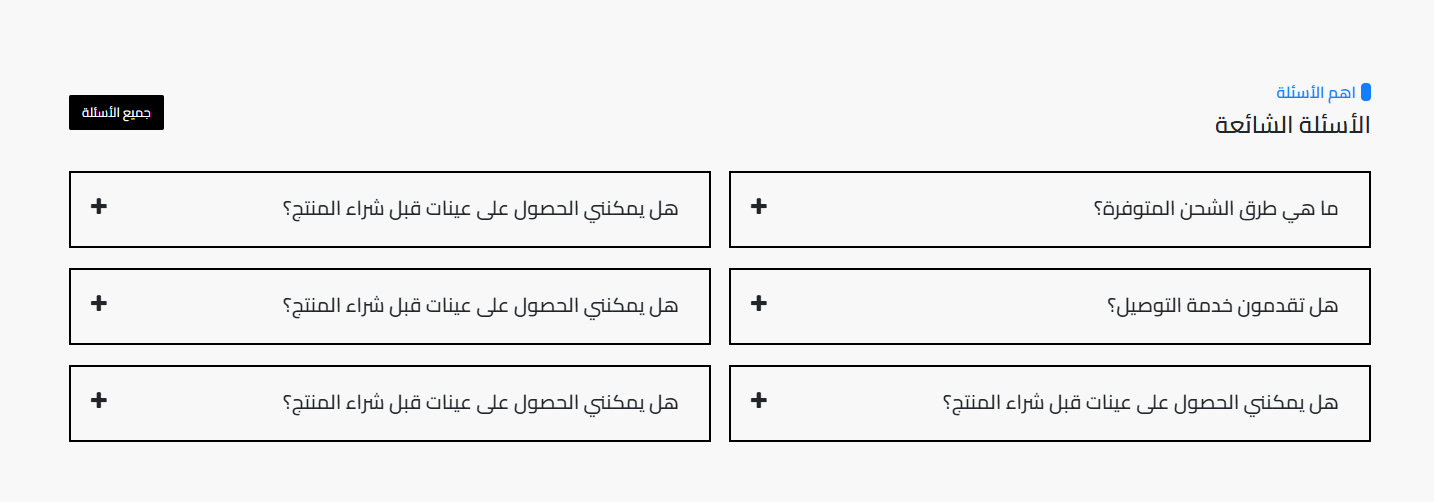
- Hide Section: Show or hide the whole section
- Full Width: Stretch the section to full screen width
- Padding: Section top & bottom padding (default 80)
- Title: Main and sub title
- All-FAQs button: Show a button for all FAQs with its text
- Questions: The questions & answers list (question + answer)
Divider / Spacer
- Hide Section: Show or hide the divider
- Full width: Stretch the divider to full width
- Line color: The divider line color
- Line height: The divider line thickness in pixels
- Margins: Top and bottom margins (rem)
Related themes
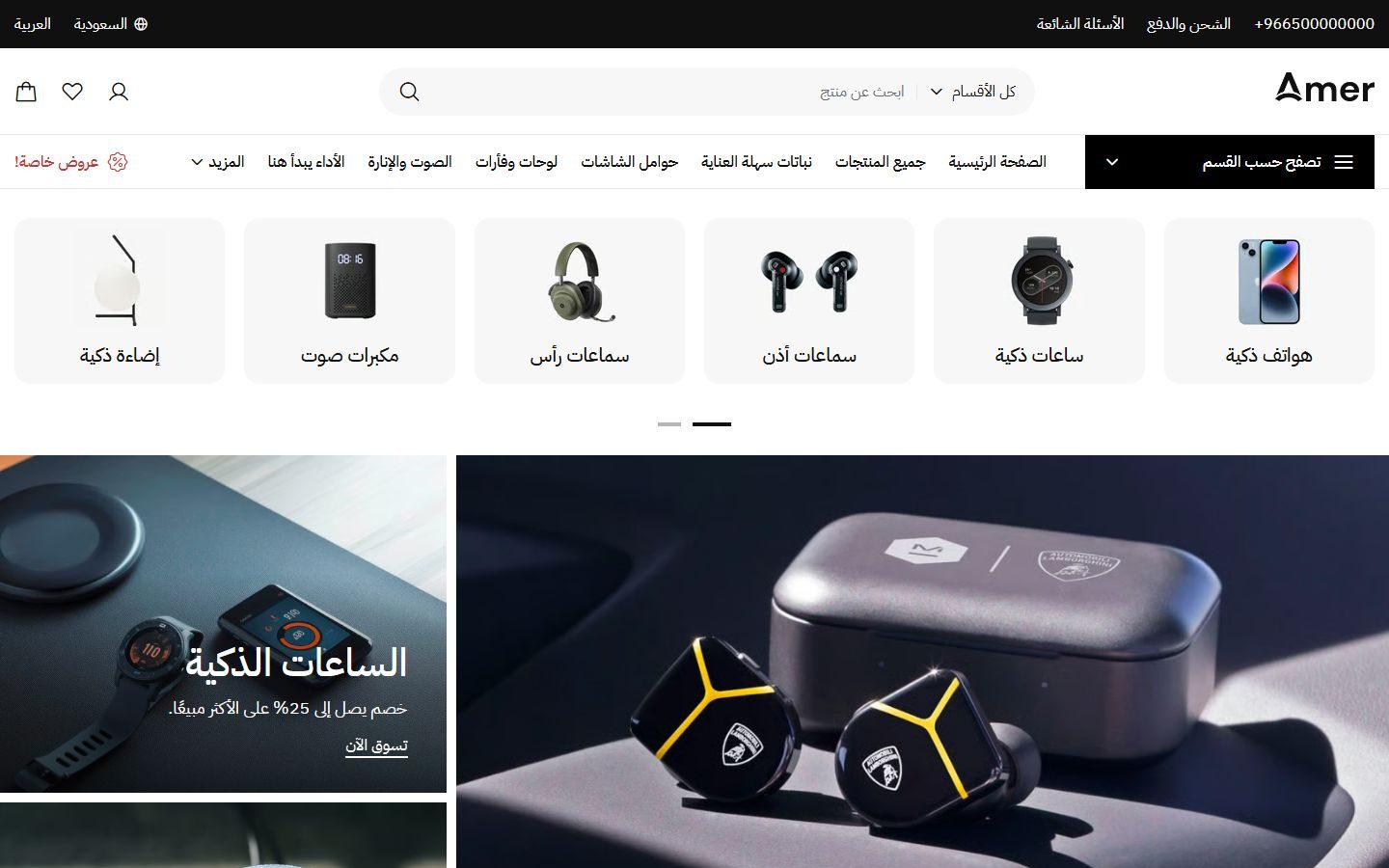
Amer
A Zid theme with 22 ready designs for different kinds of stores, in Arabic and English.
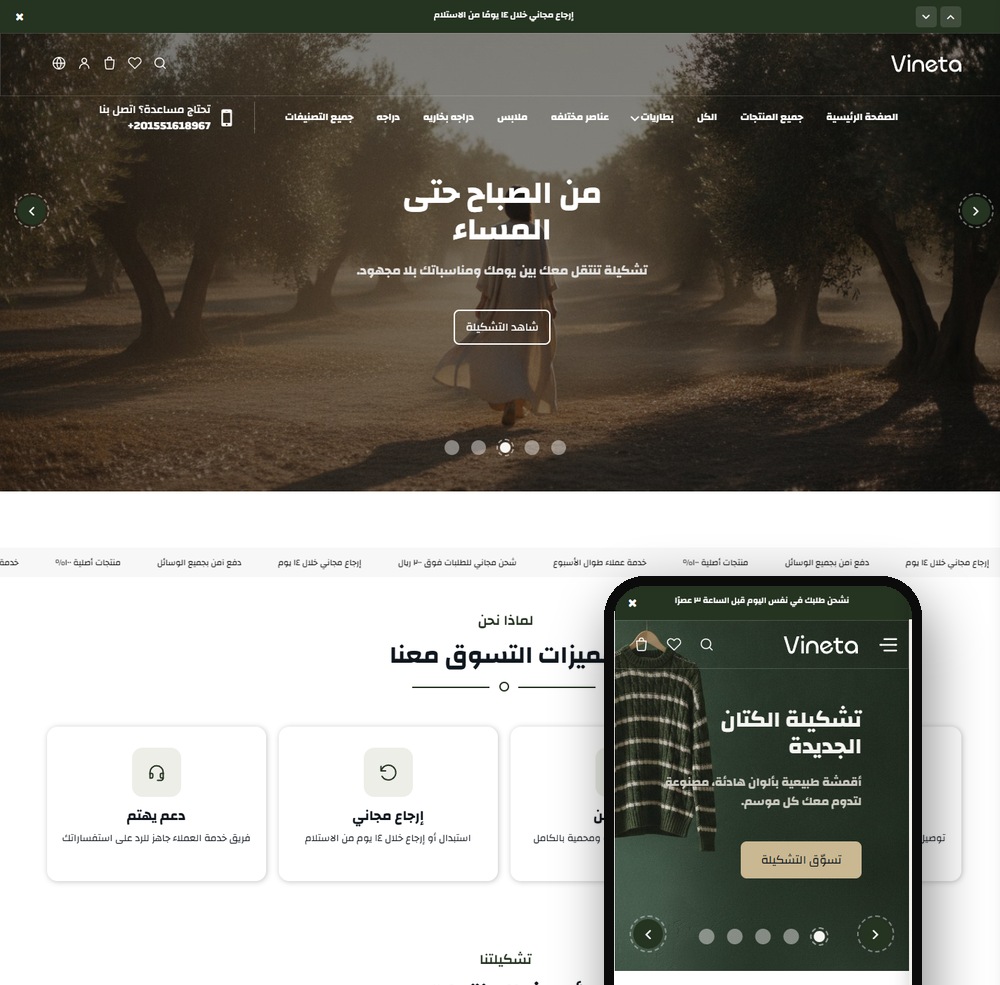
Vineta
A modern Zid theme with 22 sections and two product page designs, a true Arabic/English mirror.
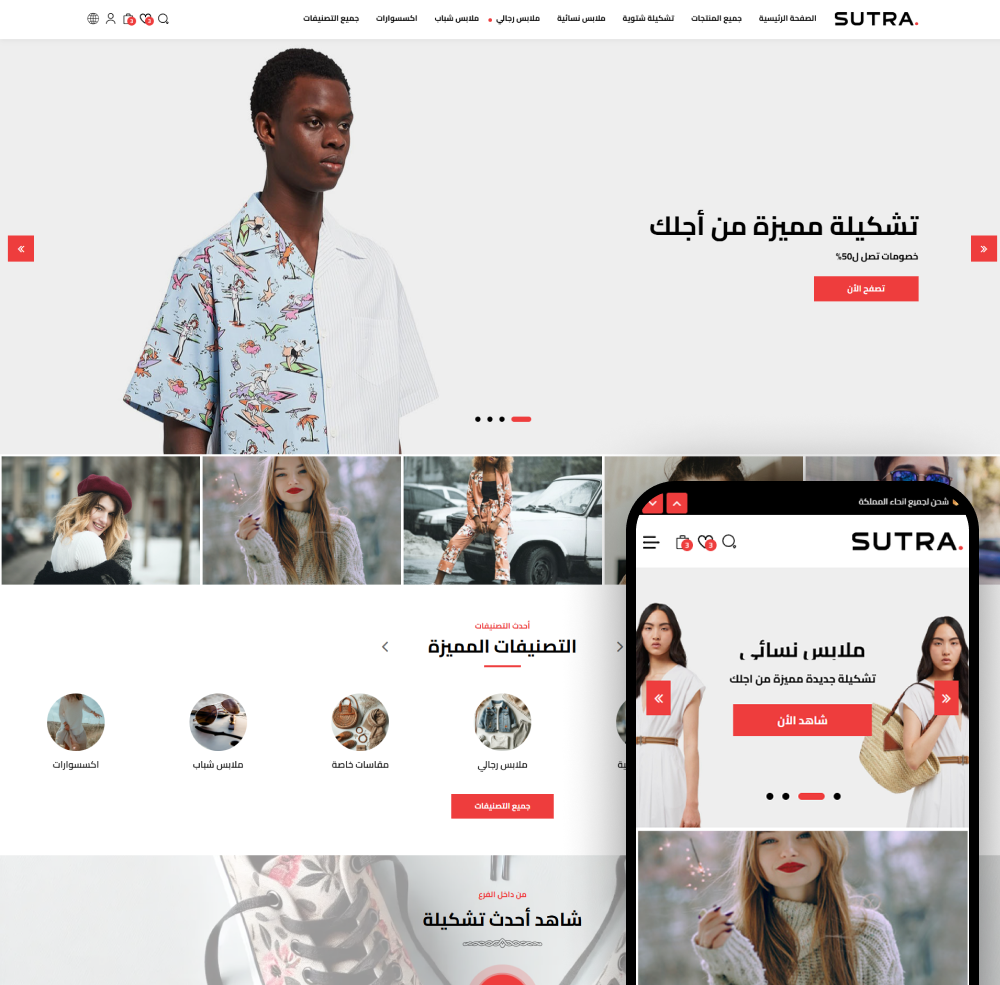
Sutra
Sutra - the best Zid store theme to grow your sales. Modern, mobile-friendly, and easy to customize.
Not sure which theme to pick?
Our team helps you pick the theme and customize it for your store.
Contact us