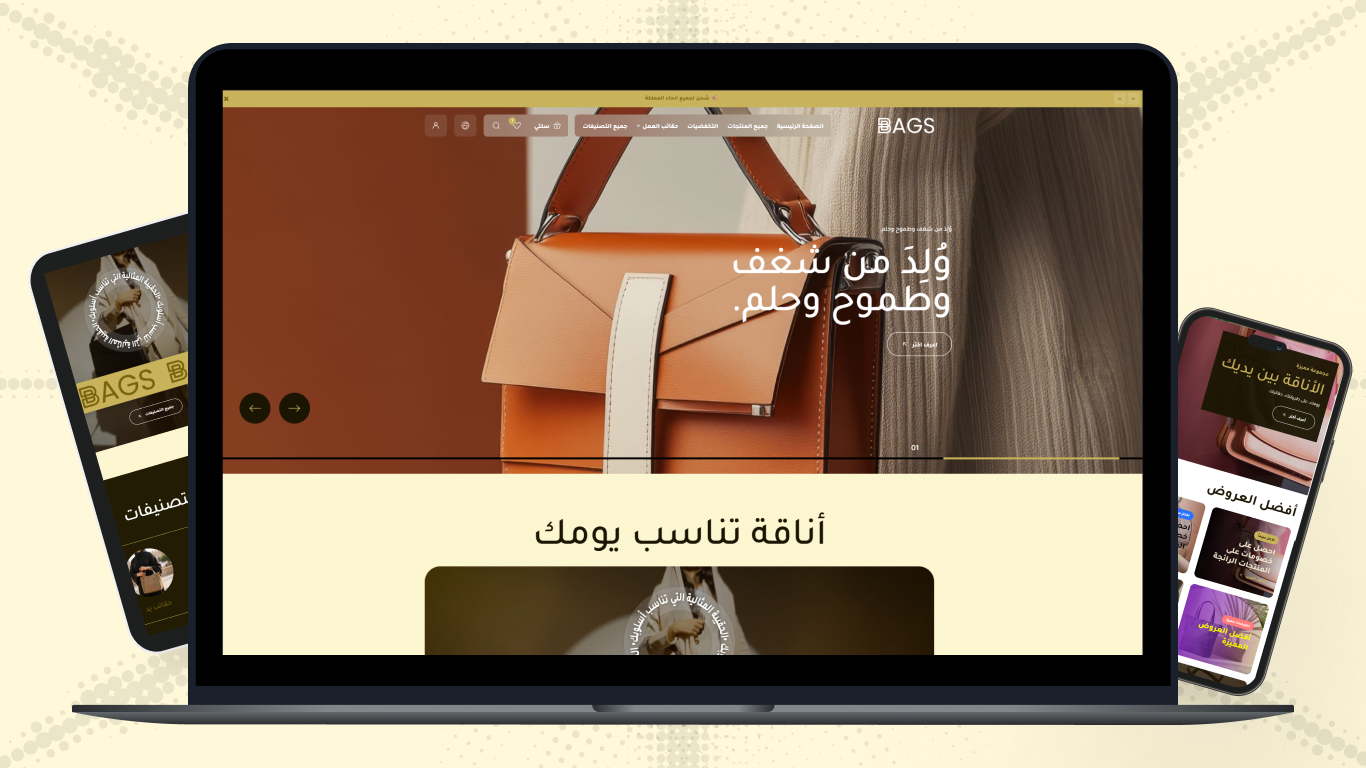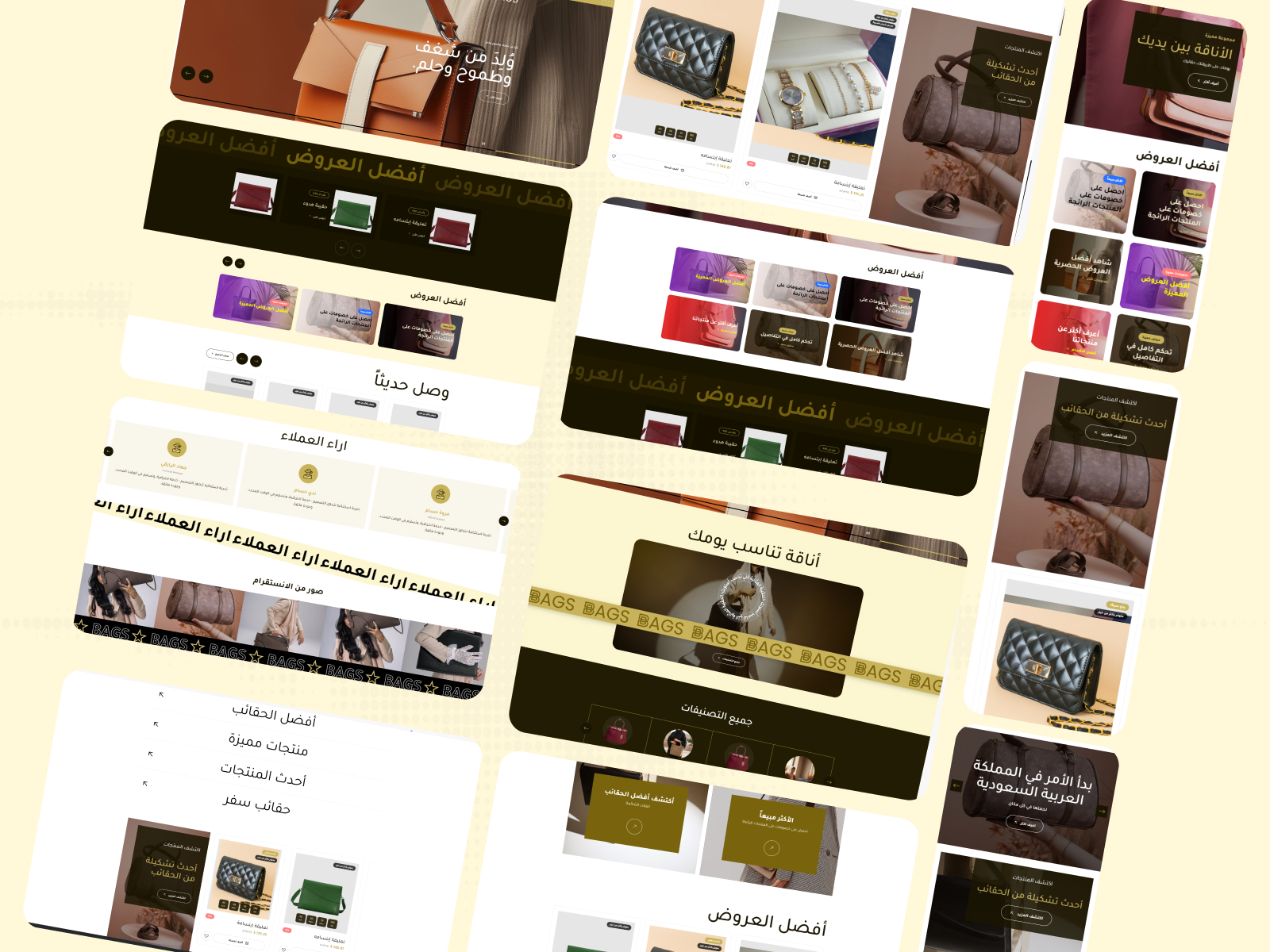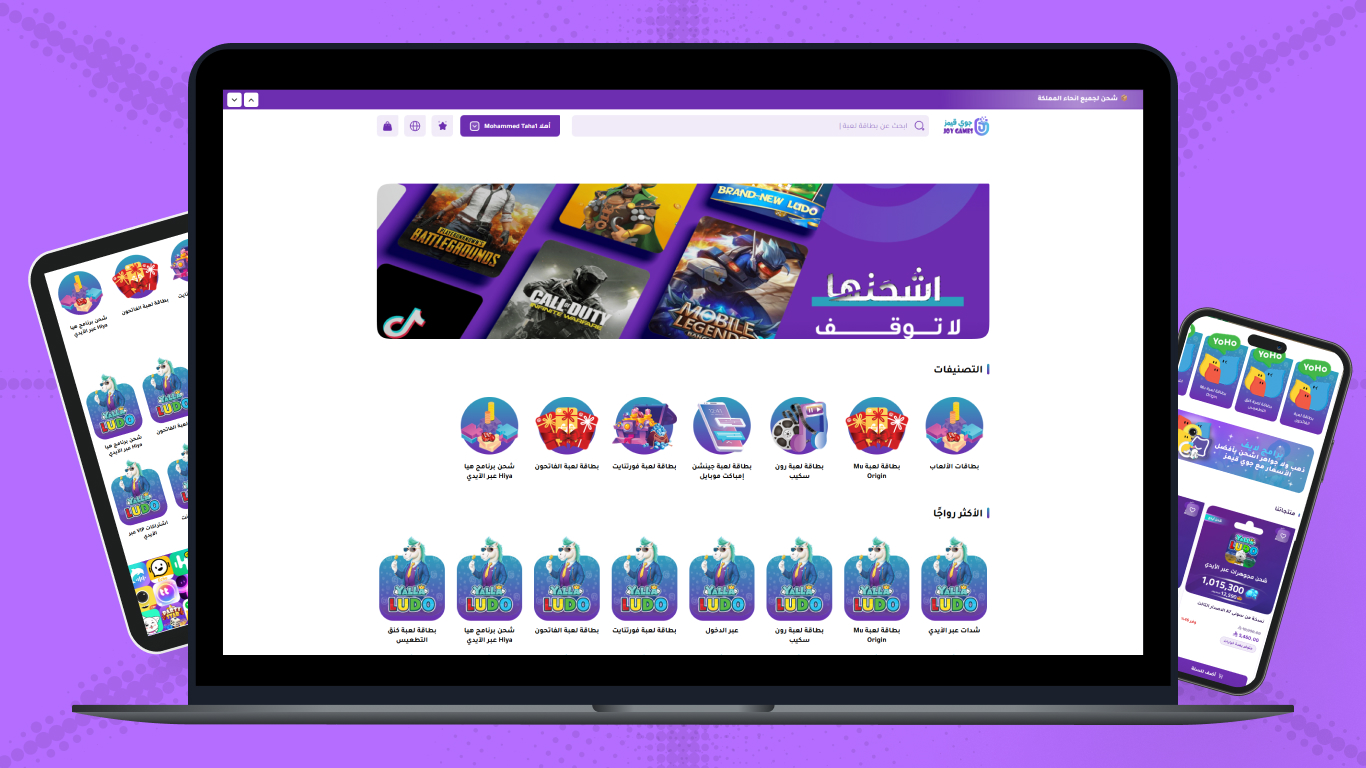




In the fast-paced e-commerce world, your store's digital interface is the first and most important impression the customer receives the moment they click your site link. Just as in traditional stores, where shelf arrangement, color harmony, and place lighting play a decisive role in attracting customers and convincing them to buy, online store design plays the same role but virtually. When we talk about leading platforms like Zid and Salla, we're talking about work environments providing very strong technical infrastructure, but it falls on you as a merchant to exploit this infrastructure to build a professional interface reflecting your brand identity and planting trust in your visitors from the first moment.
Building a professional interface isn't just luxury or an aesthetic addition that can be dispensed with — it's a real investment directly reflecting on your sales numbers and project growth. Studies in digital consumer behavior indicate that visitors make the decision to stay in the store or leave within just the first three seconds of page loading. In these few seconds, the customer doesn't read texts or examine product prices, but absorbs the general design, color harmony, response speed, and ease of accessing information. Here the importance of exploiting design tools available on Zid and Salla platforms emerges to offer an unforgettable user experience, making the customer feel comfortable and safe while browsing your products.
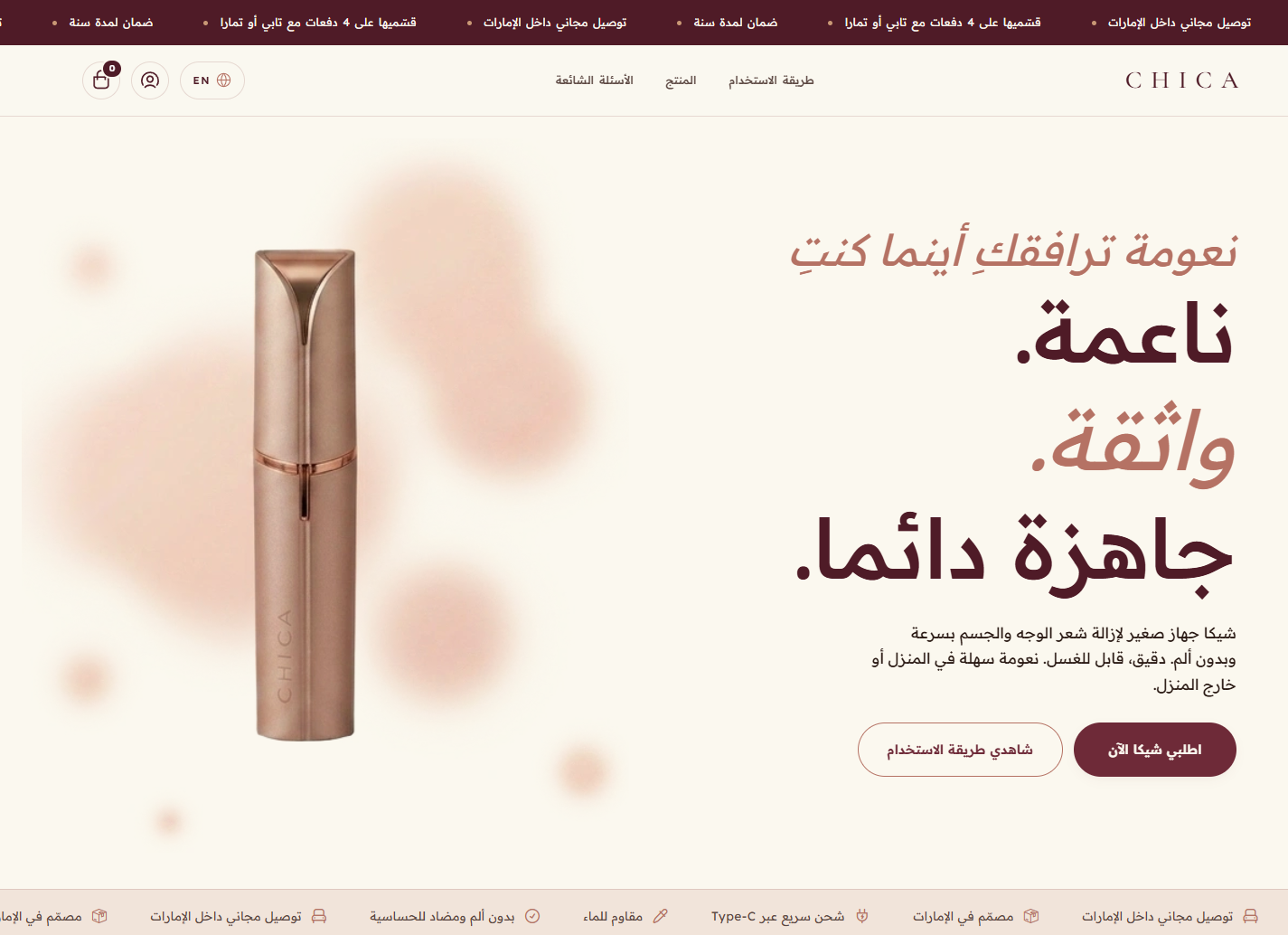
In this comprehensive guide, we'll take you on a detailed and deep journey to explore the secrets of online store design and how to turn your Salla or Zid store interface into a silent selling tool working around the clock. We'll address basic design principles, how to choose appropriate colors and fonts, the importance of improving user experience on mobile devices, plus strategies for organizing home pages and product pages to smoothly guide the customer toward completing the purchase process. Whether you're launching your first store or seeking to develop your current store, applying these rules will ensure you outperform your competitors and offer an exceptional shopping experience to your customers.
The Importance of Professional Design and Its Direct Impact on Your Store Sales
Professional online store design is considered the cornerstone in building digital credibility for any brand seeking success in today's competitive market. When the customer enters a carefully designed store, where images are high quality, texts are clear and readable, and navigation between sections happens completely smoothly, they receive an indirect psychological message that this store is trustworthy, and those running it care about the finest details. This feeling of trust is the most valuable currency in the e-commerce world — without it, the customer won't dare to enter their credit card data or even provide you with their personal information, no matter how high your product quality or competitive your market prices.
The impact of professional design extends beyond just giving a good impression, reaching the core of the selling process by directly affecting conversion rates. Smart design directs the visitor's eye and steps inside the store toward taking the required action, whether that's adding a product to cart, subscribing to the mailing list, or completing payment. By arranging elements hierarchically and distributing white spaces in an eye-comforting way, you can reduce the distraction rate in the customer and increase their focus on products. In this context, you can review our article on Conversion Rate: Secrets to Increasing Orders on Salla and Zid to understand how these visual improvements contribute to noticeably doubling your profits without needing to increase the advertising budget.
Additionally, both Zid and Salla provide you with high flexibility to customize store interfaces according to the nature of each business. These platforms recognize that designing a store selling luxury perfumes differs radically from designing a store selling children's toys or electronics. So exploiting this flexibility to build an interface reflecting your brand personality contributes to building long-term customer loyalty. The customer who enjoys a smooth and visually beautiful shopping experience won't be content with buying just once, but will return again and again, and will even recommend your store to friends and family, turning good design into a free and effective marketing tool continuously working in your favor.
The Basic Principles for Designing an Attractive User Interface on Zid and Salla
The journey of building an attractive user interface starts from understanding the basic principles governing human interaction with digital screens. The first of these principles is simplicity and clarity, where many store owners fall into the trap of stuffing the home page with many products, advertising banners, and long texts, thinking this displays the diversity of their products. The truth is that this stuffing causes visual fatigue for the visitor and pushes them to leave immediately. Successful design on platforms like Salla and Zid relies on the rule "less is more," where only the most important elements are highlighted, with sufficient empty spaces around them to breathe, making it easier for the customer to absorb content and make decisions with complete comfort.
The second very important principle is visual hierarchy, the art of directing the visitor's eye in the order you want as a merchant. This hierarchy is achieved by manipulating font sizes, colors, and element contrast. For example, the "Add to Cart" button should be the most prominent element on the product page, in a contrasting color and clear size, followed in importance by the product price and name, then other details come in smaller font size and less sharp colors. Zid and Salla platforms provide excellent control tools allowing you to easily modify these elements to ensure directing the customer's journey logically and smoothly from the moment they enter until reaching the checkout page successfully.
The third principle is store load speed, a technical factor strongly affected by design decisions you make. However stunning your store design is, if page loading takes more than three seconds, you'll lose a large percentage of potential visitors. So it's very essential to optimize image sizes before uploading them to your Salla or Zid store, and avoid using programming extensions or widgets that aren't urgently needed and may slow the site. Always remember that ideal design is the precise balance between visual aesthetics and fast technical performance that doesn't hinder the customer from completing the shopping process as fast as possible.
Color and Font Harmony with Visual Identity
Choosing colors and fonts is like the spirit that pulses through your online store interface, giving the first emotional impression to the visitor. Colors aren't just personal preferences, but a visual language conveying specific messages to influence consumer psychology. For example, using calm colors like blue and green suggests trust, professionalism, and tranquility, making them ideal for health care or tech product stores. While warm colors like red and orange arouse a sense of enthusiasm and urgency, used heavily in discount banners and food stores. Your store's color palette on Zid or Salla should reflect your brand identity accurately and consistently across all pages.
Alongside colors, fonts play a fundamental role in improving the reading experience and highlighting the store's professional character. In Arab stores, choosing a distinctive Arabic font clearly readable on various screens is indispensable. Platforms like Salla and Zid offer a group of excellent integrated Arabic fonts like Tajawal or Cairo, characterized by their clarity and aesthetic. The golden rule here is not using more than two types of fonts in the entire store — one for main titles to be prominent and attractive, and another for normal texts to facilitate extended reading in product descriptions or policy and FAQ pages.
To ensure professionally applying these elements, colors and fonts should be integrated through the template settings used in your store. You can customize button, link, and background colors to fully align with your store logo. For deeper guidance on how to choose the template best supporting your visual identity, we recommend reading our specialized guide on Store Design: Your Guide to Choosing the Right Theme on Zid and Salla, which will help you make right decisions in the establishment stage and avoid repeated changes that may confuse your customers accustomed to a certain look of your store.
Browsing Ease and User Experience via Mobile
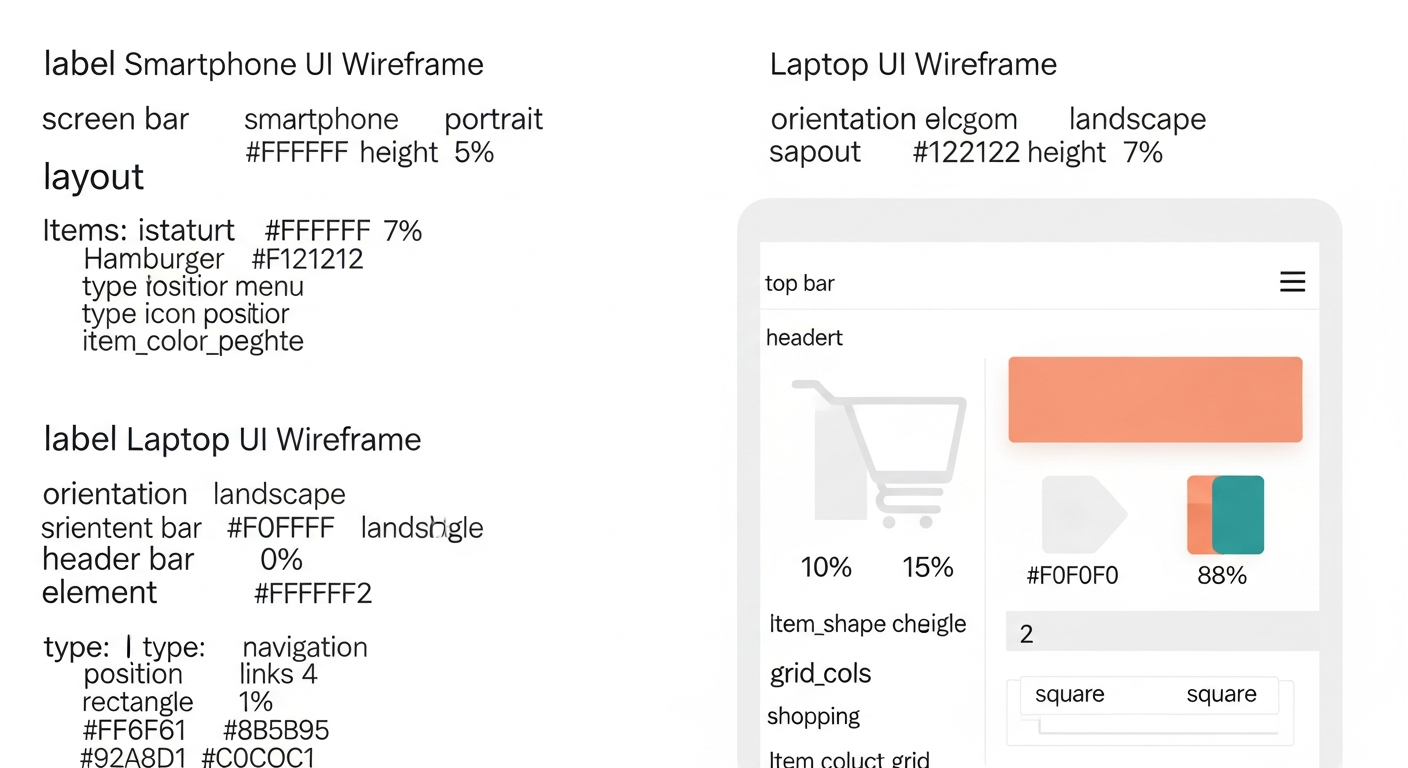
In our current era, mobile-compatible online store design is no longer just an additional feature, but has become the supreme necessity and first condition for success. Statistics in the Saudi and Arab market indicate that more than eighty percent of online purchases happen through smartphones. This means your store's mobile interface is the real interface seen by the vast majority of your customers. Mobile store design requires focusing on what's known as the thumb zone, the area of the screen the user can easily reach using their thumb while holding the phone with one hand, and vital buttons like Add to Cart and Complete Order should be in it.
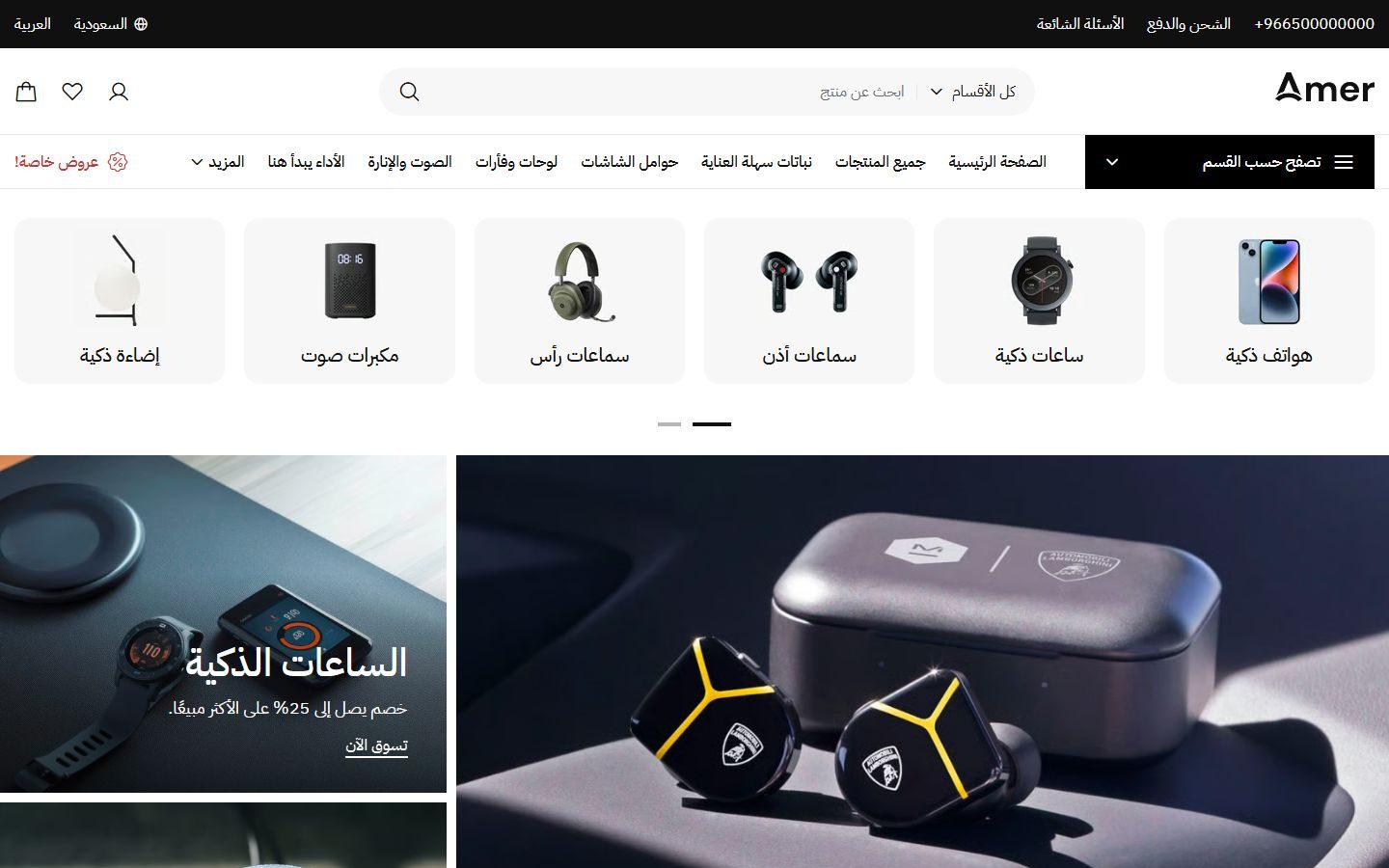
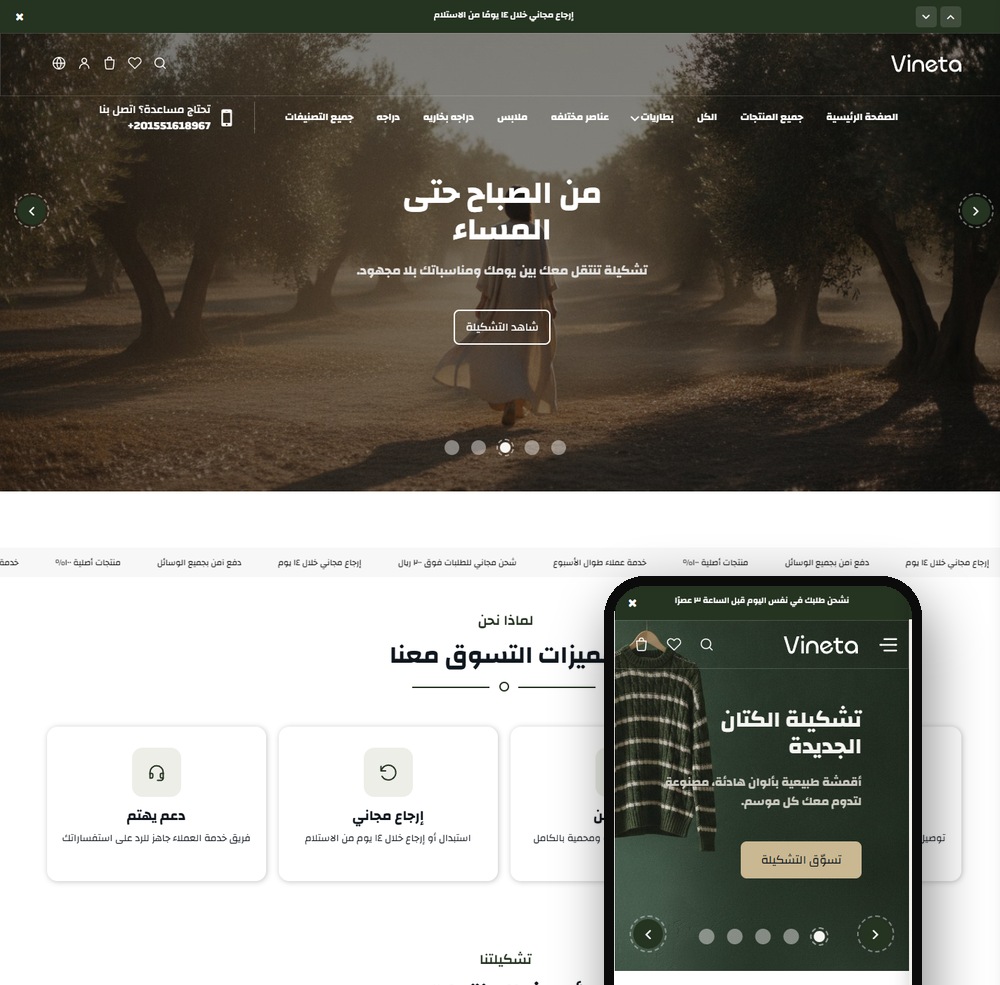
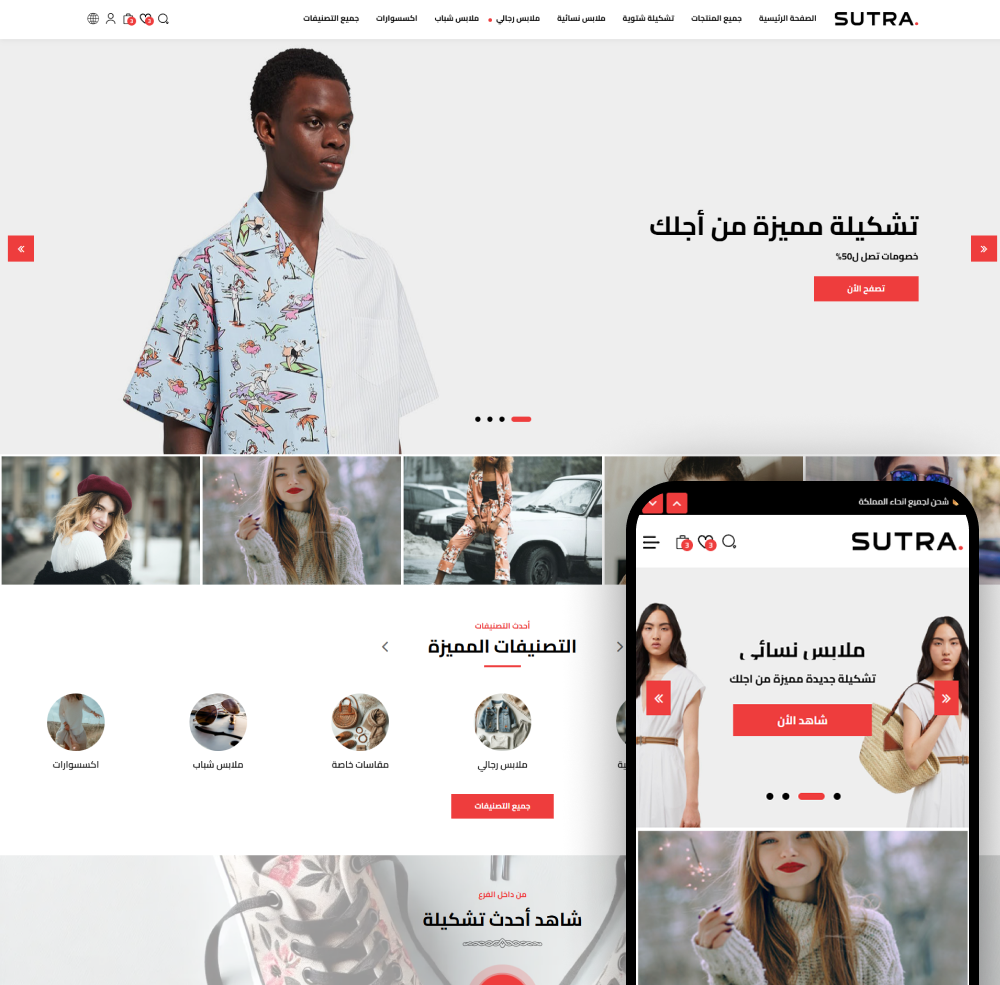
Salla and Zid platforms exert enormous efforts to ensure their templates are automatically responsive to mobile screens, but the merchant's role remains essential in organizing content to suit these small screens. Very complex dropdown menus should be avoided, replaced with clear side menus (Hamburger Menu). It must also be ensured that click spaces around buttons and links are sufficient to prevent users from accidentally clicking on another element, an issue causing severe frustration that may lead to leaving the store. Also, the product image browsing process should be simplified and made smoothly swipeable left and right and support clear zoom.
Among the most important steps the merchant should take is personally and periodically testing the store via various mobile devices and different screen sizes before launching any advertising campaign. Try the complete purchase process from your phone starting from product search until reaching the checkout page, and note any obstacles or response slowness. For more practical tips and advanced applications on this vital topic, you can review Store Design: A Guide to Improving Your Interface on Zid and Salla, where we dive into precise details that will help you convert mobile visitors into permanent customers loyal to your brand.
How to Professionally Organize the Home Page and Product Pages
Your store's home page is like the glass display window for the actual store, and its basic mission is to attract the visitor's attention and convince them to enter to explore more. The home page on Salla or Zid should start with a wide and attractive advertising banner (Banner) containing a clear and direct marketing message, and a Call to Action (CTA) button like "Shop Now" or "Discover the New Collection." Below this banner, store sections should be displayed as expressive icons or images to facilitate visitor navigation, then a space dedicated to display best-selling products or exclusive special offers, generating an immediate desire to buy in the hesitant visitor and encouraging them to browse more pages.
As for the product page, it's the silent sales representative that must answer all customer questions and remove any doubts they have. The professional product page should contain high-resolution images from multiple angles, and if possible, a short video clip clarifying product use. Product description shouldn't be just dry listing of technical specifications, but should focus on benefits the customer will gain and how this product will solve their problem or improve their life. Also, highlighting previous customer ratings and reviews in a clear place below the product is considered one of the strongest social persuasion tools that amazingly raise conversion rates on e-commerce platforms.
To maximize benefit from product pages and increase the average single order value for the customer, smart strategies should be integrated in design like displaying related or complementary products at the bottom of the page. This space dedicated for "You May Also Like" works as a magical tool to increase sales if used smartly to display accessories or complements for the main product. To learn how to professionally apply this strategy inside your store, we invite you to review the article Cross-Selling: Double Order Value on Salla and Zid, which explains in detail how to make the platform suggest suitable products to the right customer at the right time to increase your profits.
Common Mistakes in Online Store Design and How to Avoid Them
Among the most common and dangerous mistakes in online store design is exaggerated complexity in navigation menus and search. When the customer enters your store and searches for a certain product, they should be able to reach it with the fewest possible clicks. Some stores on Salla and Zid fall into the mistake of creating dozens of complex sub-categories that lose the customer instead of helping them. To avoid this, organize your products in clear and comprehensive main categories, and use the advanced filters feature (like filtering by price, color, or size) to allow the customer to narrow the search scope themselves without complicating the store's main menu.
The second common mistake is neglecting trust and security signals in the store interface. Today's Arab customer has become more aware and cautious when shopping online, and if they don't find what reassures them in your store, they'll leave immediately. It's very essential to clearly display the logos of secure payment methods available on Salla and Zid (like Mada, Apple Pay, and Visa) at the bottom of the home page and on the checkout page. The return and exchange policy link should also be clear and easy to access, plus providing a floating icon for direct communication via WhatsApp to make the customer feel there's real support behind this website ready to serve them at any time.
The third mistake that destroys conversion rates is the complexity of the checkout process. Although Salla and Zid provide optimized and simplified payment steps, some merchants add mandatory unnecessary fields to collect additional data from the customer, causing boredom and aversion. Ask only for basic information necessary to successfully deliver the order. Also, unclear shipping costs from the start and the customer being surprised by them at the last step is considered one of the most important reasons for cart abandonment. Always ensure designing a transparent interface clarifying pricing and shipping policies unambiguously from the moment of adding the product to cart to ensure an annoyance-free user experience.
Conclusion: Your Next Steps Toward an Ideal Store Interface
In closing this detailed guide, we must emphasize that designing your online store on Zid and Salla platforms isn't a project you do once and forget, but a continuous process of improvement and development based on analyzing your customer behavior and monitoring your sales performance. The professional interface is a harmonious blend of art, psychology, and technology, where colors and formats work on attracting attention, while browsing ease and fast performance ensure converting this attention into actual purchase decisions contributing to growing your e-commerce business and prospering in a constantly evolving and competitive market.
Leading e-commerce platforms like Salla and Zid have provided you with all the technical tools and ready templates you need to start strongly and without needing complex programming experience. Your role now is exploiting these tools smartly by applying the principles we discussed, starting from choosing a harmonious visual identity, through improving mobile experience, all the way to strategic organization of product pages. Always remember to put yourself in the customer's place when evaluating any modification you make to your store interface, and continuously ask yourself: does this change facilitate the customer reaching their goal or hinder them?
Your next step now is opening your store dashboard, and conducting a comprehensive review of the current interface based on the tips mentioned in this article. Start with quick improvements like compressing image sizes, clarifying call-to-action buttons, and cleaning crowded menus. Then gradually move to applying deeper strategies like cross-selling and improving product texts. Don't hesitate to conduct periodic tests and compare results, as successful design is one that speaks the language of numbers and sales, and is the most successful investment that will ensure your brand a firm position in the minds and hearts of consumers.